1
User manual
CCV Mini (iOS)
4.2.4. Standard reference
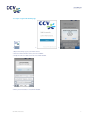
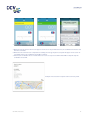
If desired you can set a reference (for example the name of an employee). This reference will be shown on transaction
receipts and is also visible for transactions in the transaction list.
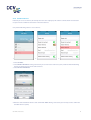
Carry out the following actions to set a reference.
1.
2.
3.
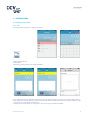
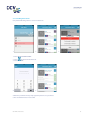
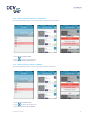
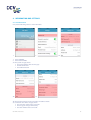
1. Select SETTINGS.
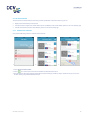
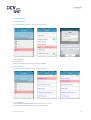
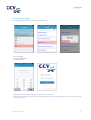
2. Select ENABLE REFERENCE. During a transaction you can now enter a reference (see A). Continue with the following
steps if you always want to use the same reference.
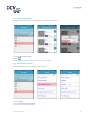
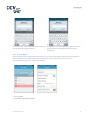
3. Select DEFAULT REFERENCE.
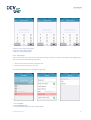
4.
4. Enter the desired standard reference and confirm with DONE. During a transaction you now only need to confirm the
standard reference (see B).
CID142F/26032015
21