1
SCMS
Chapter 12:
online websites development & management
Create a button-item
We are now going to explain how to add a button-item
A button-item is almost the same as a hyperlink but they have a skin. When you click a button
they will send you to another webpage.
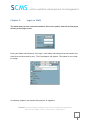
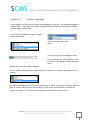
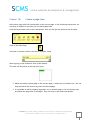
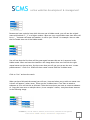
Push the button New Item in the Controlpanel. Now you will get the same screen as below.
Click on the item Button.
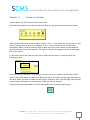
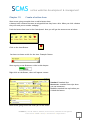
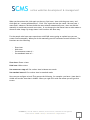
You have to choose a title for the item. Example: Button
We are going to use Button as a title in this chapter.
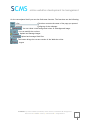
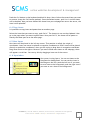
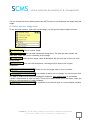
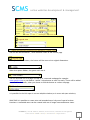
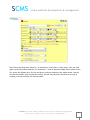
Right-click on the Button, there will appear a menu.
Standard: Standard font
Mouseover: standard font style when
you use mouseover.
Onclick: standard font style when you
clicked the button.
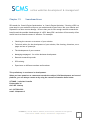
We are now going to edit the lower part of the menu.
ICT2MKB.nl | hard- & software, websites, online services, installations & management
Esdoornlaan 26 • 6063BE • Vlodrop • 0475 80 19 90 • [email protected]
20