1
SCMS
Chapter 3:
online websites development & management
The Controlpanel
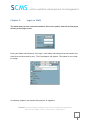
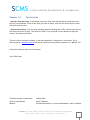
This chapter describes the possibilities of our controlpanel that you can see below.
3.1 Basics:
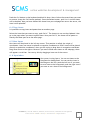
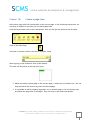
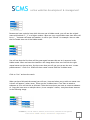
If you click on the arrows, you can drag
the Controlpanel to another place on the
screen.
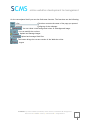
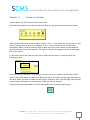
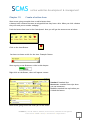
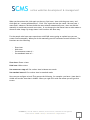
The cursor is located trew X, Y,
Coordinates. All the X,Y Coordinates are
diplayed in pixels.
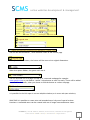
W, H display the width and height of a
item.
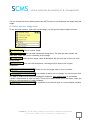
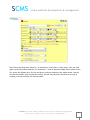
When you click New Item, you will create a new item on your webpage that you have
opened at the moment.
The possible options are:
•
A Text box
•
A Image
•
A flash movie
•
A page
•
A form
•
A button
ICT2MKB.nl | hard- & software, websites, online services, installations & management
Esdoornlaan 26 • 6063BE • Vlodrop • 0475 80 19 90 • [email protected]
4