1
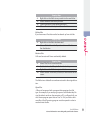
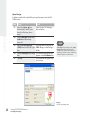
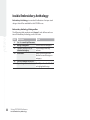
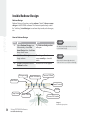
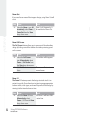
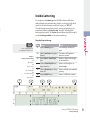
Step Action
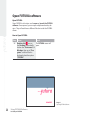
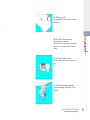
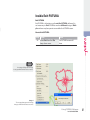
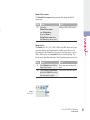
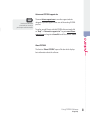
>1 Select Show/Hide Hoop
from the View drop-down
menu.
56
Using FUTURA Software:
Inside Hoop
Result
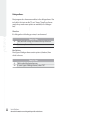
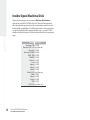
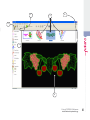
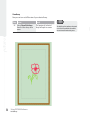
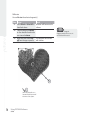
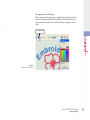
The (previously) selected
Hoop will open on-screen
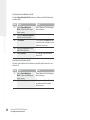
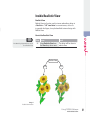
The bold hoop line indicates the actual
size of the hoop while the dotted line
shows the actual embroidery area.
Futura - English 1-01
View Hoop
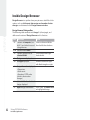
Now you can turn on/off the view of your selected hoop.