1
Using the CTERA Agent in Cloud Agent Mode
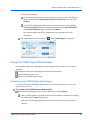
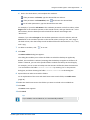
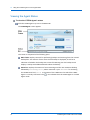
To display the bandwidth usage (in bit/sec), click the
bandwidth usage.
4
icon, and then click Show
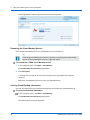
Canceling the Current Restore Process
When restoring files from the Cloud Backup Control Panel, you can cancel a running file
restore process.
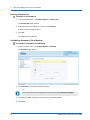
To cancel the current restore process
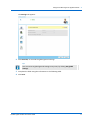
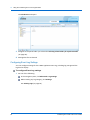
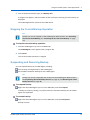
1 In the navigation pane, click Main > Cloud Backup.
The Cloud Backup Control Panel page appears.
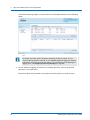
2 Click Cancel.
The current restore process is canceled.
Accessing the Cloud Drive Folder
If you are subscribed to the Cloud Drive service, your cloud drive will automatically be
mapped as a network drive. You can access the cloud drive and its contents using the
following procedure.
By default, access to the cloud drive folder is restricted to members of group "ctera". If you
would like to allow other users to access the directory, modify the directory permissions.
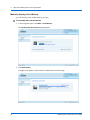
To access the cloud drive
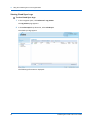
Navigate to /usr/local/cloud.
The cloud drive's contents are displayed.
CTERA Agent for Mac OS-X User Guide
79