1
4
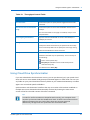
Using the CTERA Agent in Cloud Mode
Viewing Agent Details
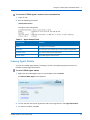
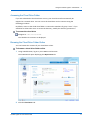
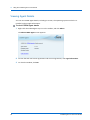
You can view CTERA Agent details, including its version, the operating system on which it is
installed, and copyright information.
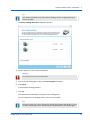
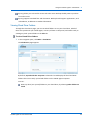
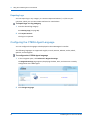
To view CTERA Agent details
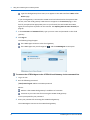
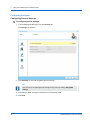
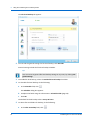
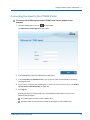
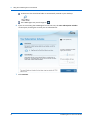
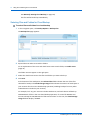
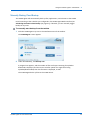
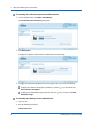
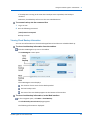
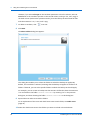
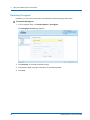
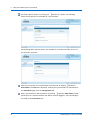
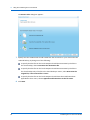
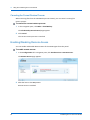
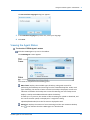
1 Right-click the CTERA Agent tray icon in the taskbar, and click About.
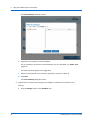
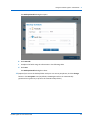
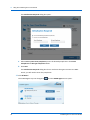
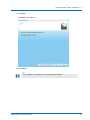
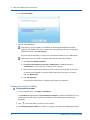
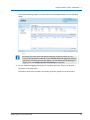
The About CTERA Agent screen appears.
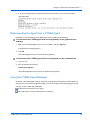
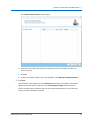
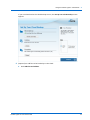
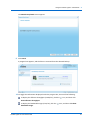
2 To view the end user license agreement and services agreement, click Legal Information.
3 To close the window, click OK.
96
CTERA Agent for Linux User Guide