1
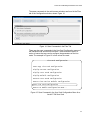
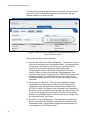
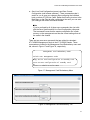
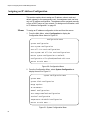
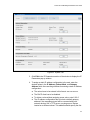
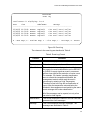
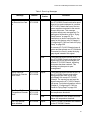
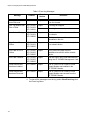
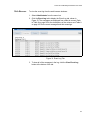
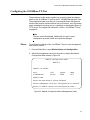
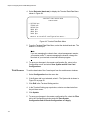
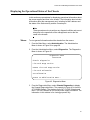
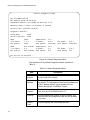
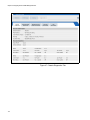
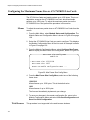
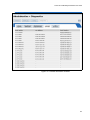
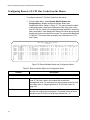
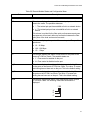
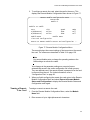
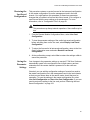
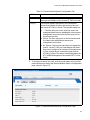
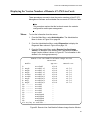
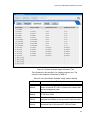
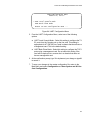
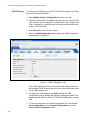
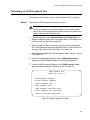
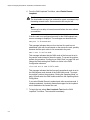
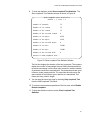
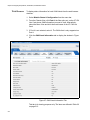
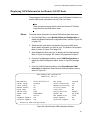
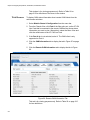
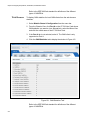
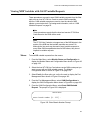
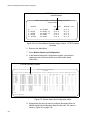
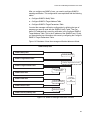
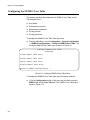
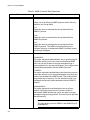
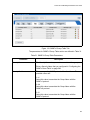
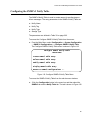
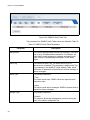
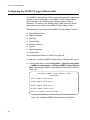
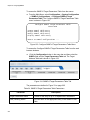
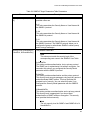
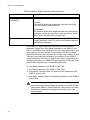
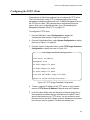
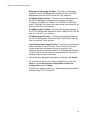
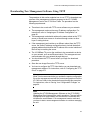
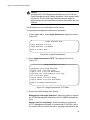
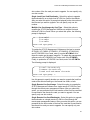
Chapter 10: Configuring SNMPv3 Configuring the SNMPv3 Group Table This section contains a description of the SNMPv3 Group Table and how to create, delete, and modify table entries. The SNMPv3 Group Table allows you to associate a User Name with a Group Name. The User Name is configured in the Configure SNMPv3 User Table menu while the Group Name is configured in the Configure SNMPv3 Access Table menu. In addition, the configuration in the Configure SNMPv3 Access Table menu defines which MIB views this User can read, write (modify), and send traps from. For each User Name, you can assign: A Security Model (SNMPv1, SNMPv2c, SNMPv3) A Group Name A Storage Type To access the SNBMPv3 Group Table from the menus: From the Main Menu, select Configuration -> System Configuration - > SNMPv3 Configurations -> Configure SNMPv3 Group Table. The Configure SNMPv3 Group Table menu is shown in Figure 117. Configure SNMPv3 Group Table Converteon Create SNMPv3 Table Entry Delete SNMPv3 Table Entry Modify SNMPv3 Table Entry Display SNMPv3 Table Entry Return to SNMPv3 Configurations ... Figure 117. Configure SNMPv3 Group Table Menu To access the SNMPv3 Group Table from the web browser windows: 258 :Click the Configuration button in the menu bar and then select the SNMPv3 tab and the Group Table tab. The tab is shown in Figure 118.