1
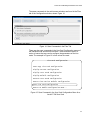
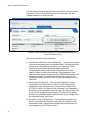
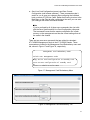
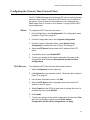
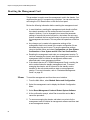
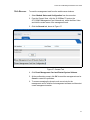
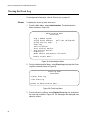
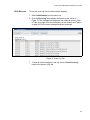
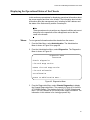
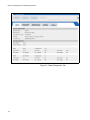
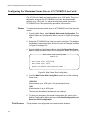
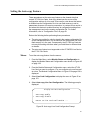
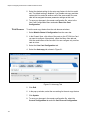
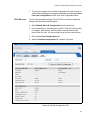
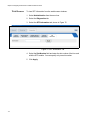
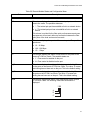
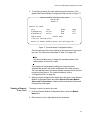
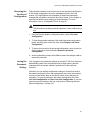
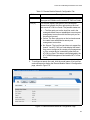
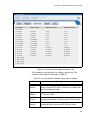
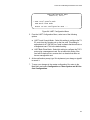
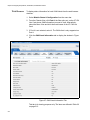
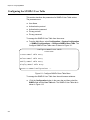
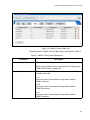
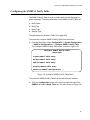
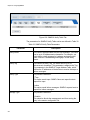
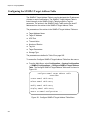
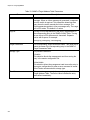
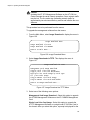
AT-S73 and AT-S99 Management Software User’s Guide Configuring the SNMPv3 Notify Table The SNMPv3 Notify Table is used to create names for sending traps or inform messages. The entry parameters in the SNMPv3 Notify Table are: Notify Name Notify Tag Notify Type Storage Type The parameters are defined in Table 32 on page 262. To access the Configure SNMPv3 Notify Table from the menus: From the Main Menu, select Configuration -> System Configuration - > SNMPv3 Configurations -> Configure SNMPv3 Notify Table. The Configure SNMPv3 Notify Table menu is shown in Figure 119. Configure SNMPv3 Notify Table Converteon Create SNMPv3 Table Entry Delete SNMPv3 Table Entry Modify SNMPv3 Table Entry Display SNMPv3 Table Entry Return to SNMPv3 Configurations ... Figure 119. Configure SNMPv3 Notify Table Menu To access the SNMPv3 Notify Table from the web browser windows: :Click the Configuration button in the menu bar and then select the SNMPv3 tab and the Notify Table tab. The tab is shown in Figure 122. 261