1
17
T L- H E X S O F T WA R E US E R ’ S G U I D E (S o f t w a r e v e r s i o n 1. 3)
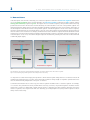
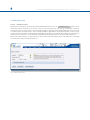
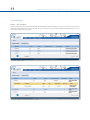
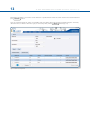
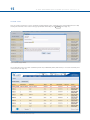
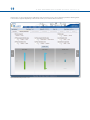
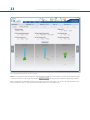
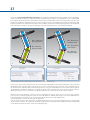
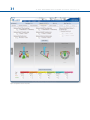
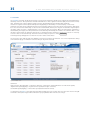
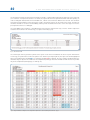
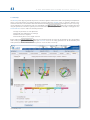
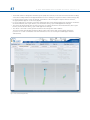
Fig. 25. Search Section Expanded
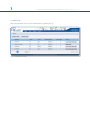
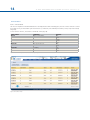
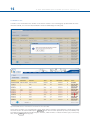
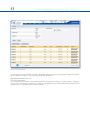
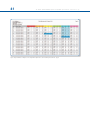
The List of Cases can also be sorted in ascending or descending order by clicking on any of the headers except Actions (Patient
ID, Case Number, Case Name, Status, Side, Data Created, Days left) (Fig. 20).
Upgrade from version 1.2 to 1.3
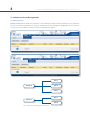
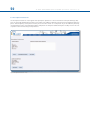
Case Version Management
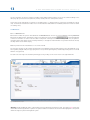
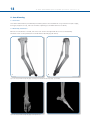
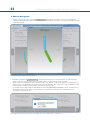
Cases created with a prior software version will be migrated in read-only mode in version 1.3. If surgeon wants to modify one
of these cases, he should create a brand new case with the new software release entering all the relevant parameters from
the prior version case (deformity, frame and post-operative).