1
4
Using the CTERA Agent in Cloud Mode
Restricting Throughput
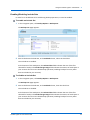
If desired, you can restrict the amount of bandwidth used for backing up files online.
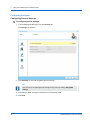
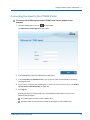
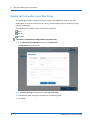
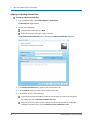
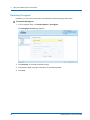
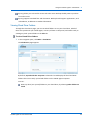
To restrict throughput
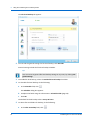
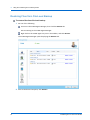
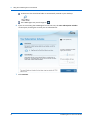
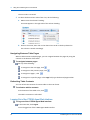
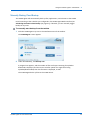
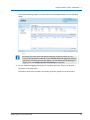
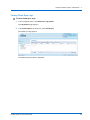
1 In the navigation pane, click Backup Options > Throughput.
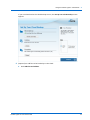
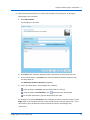
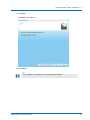
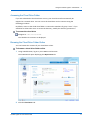
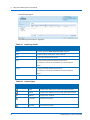
The Throughput Control page appears.
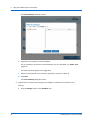
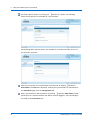
2 Click Override, to override the portal settings.
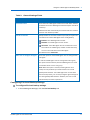
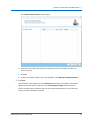
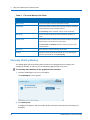
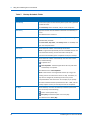
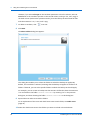
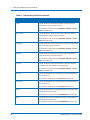
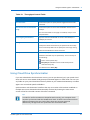
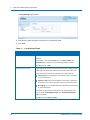
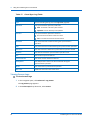
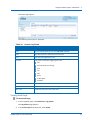
3 Complete the fields using the information in the following table.
4 Click Save.
66
CTERA Agent for Linux User Guide