1
Configuration and Management Basics
CHAPTER 4
Configuration and Management
Basics
After your Firebox® X Edge e-Series is installed on your network and operating with a basic configuration file, you can start to add custom configuration settings to meet the needs of your organization. This
chapter shows you how to do some basic management and maintenance tasks.
These basic configuration tasks include:
• Restore the Firebox X Edge to factory default settings
• Restart the Edge
• Set the system time
• Set management preferences
• Enable remote management on the Edge
• Update the firmware
• Activate upgrade options
Factory Default Settings
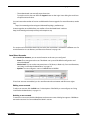
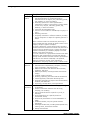
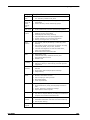
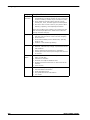
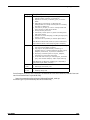
The term factory default settings refers to the configuration on the Firebox® X Edge when you first
receive it before you make changes to the configuration file. The default network and configuration
properties for the Edge are:
Trusted network
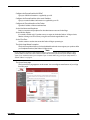
- The default IP address for the trusted network is 192.168.111.1. The subnet mask for the
trusted network is 255.255.255.0.
- The Firebox X Edge is configured to give IP addresses to computers on the trusted network
through DHCP. You also can give static addresses to computers in the trusted network with IP
addresses in the 192.168.111.2 to 192.168.111.254 range.
External network
- The external network properties use DHCP.
Optional network
- The optional network is disabled.
Firewall settings
User Guide
33