1
Chapter 7
Managing the VPN Client
Managing Windows NT Logon Properties
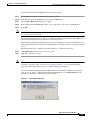
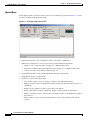
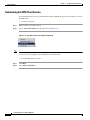
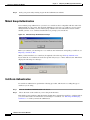
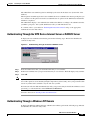
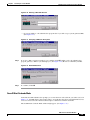
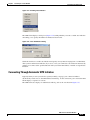
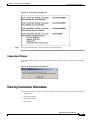
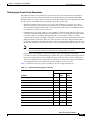
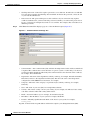
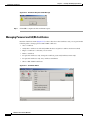
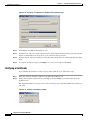
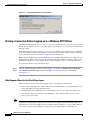
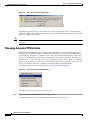
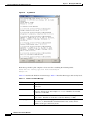
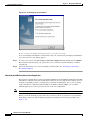
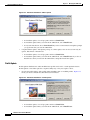
Figure 7-4
Auto-disconnect Warning Message
Disabling this parameter allows your connection to remain up during and after log off, which allows
profiles or folders to be synchronized during log off. You would disable this parameter when using the
Windows roaming profiles feature.
Note
With this feature disabled, you must completely shut down your system to disconnect your VPN Client
connection.
Managing Automatic VPN Initiation
When your network administrator has configured your VPN Client for automatic VPN initiation (by
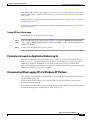
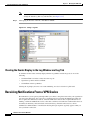
including it in the vpnclient.ini file), the Options menu includes the option Automatic VPN Initiation
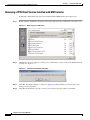
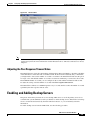
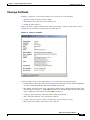
(auto initiation). (See Figure 7-5.) When you select this option, the VPN Client displays a dialog box
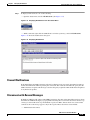
that lets you enable/disable auto initiation and change the setting of the retry interval. Disabling auto
initiation in this way does not remove it from your configuration. If you need to enable auto initiation
after you have disabled it, you can return to this dialog box and enable it again. The only way you can
remove auto initiation from your configuration is through editing the vpnclient.ini file.
For complete information on auto initiation, see “Using Automatic VPN Initiation”.
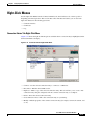
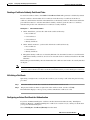
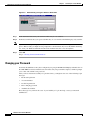
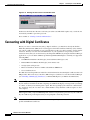
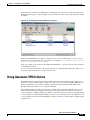
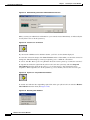
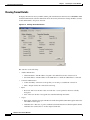
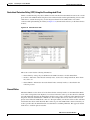
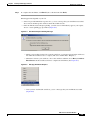
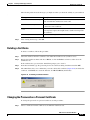
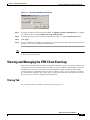
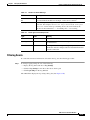
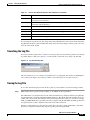
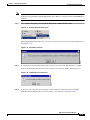
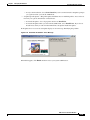
Figure 7-5
Choosing Automatic VPN Initiation
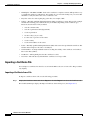
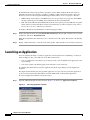
To disable or enable auto initiation, follow these steps:
Step 1
Choose Automatic VPN Initiation from the Options menu.
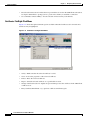
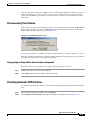
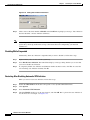
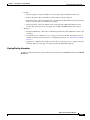
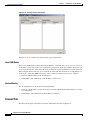
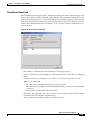
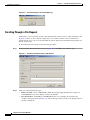
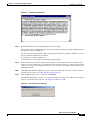
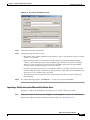
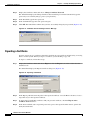
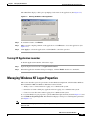
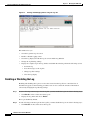
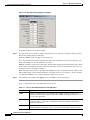
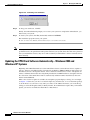
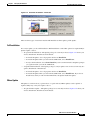
The VPN Client displays the Automatic VPN Initiation Dialog Box (Figure 7-6).
VPN Client User Guide for Windows
7-6
OL-5489-01