1
39
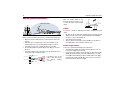
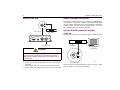
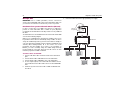
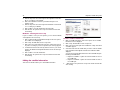
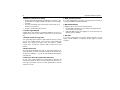
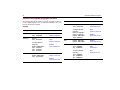
Setting the LNB skew angle
Note: This menu is only applicable to Raymarine 60STV Premium models
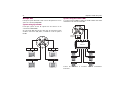
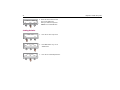
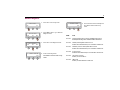
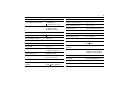
SKEW : CALIBRATION
SELECT
NEXT
Dxxxx_1
PREV
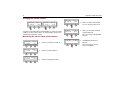
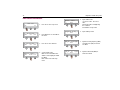
SETUP MODE?
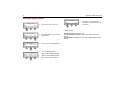
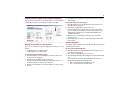
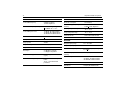
1. Press YES to enter set up mode.
NO
D7973_1
YES
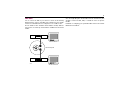
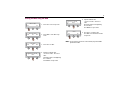
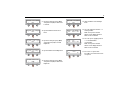
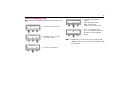
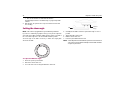
4. Select skew angle adjustment
method*.
PREV - view previous setting
NEXT - view next setting
SELECT - select the current setting
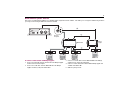
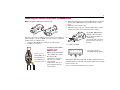
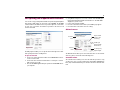
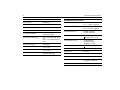
SKEW : ##.#
SET
Dxxxx_1
-
-> ###
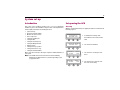
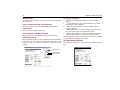
SET SAT PAIR?
YES
NEXT
D8646_1
PREV
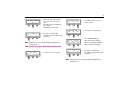
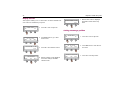
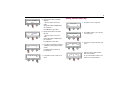
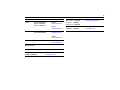
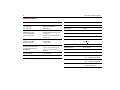
5. Press + to move LNB clockwise
Press - to move LNB counter clockwise
Press SET to accept new LNB skew
position.
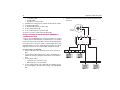
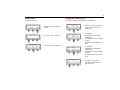
2. Press NEXT 5 times to enter the
Local frequency menu.
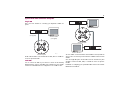
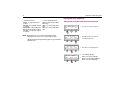
Note: * CALIBRATION - uses the skew sensor motor to position the LNB.
MANUAL- enables you to set the skew angle manually according
to signal strength.
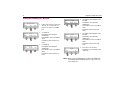
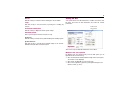
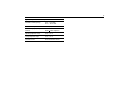
SET LNB SKEW ?
YES
NEXT
Dxxxx_1
PREV
3. Press YES to view LNB skew.