1
II. Installation procedures
4. Mount the guide rail (two positions) to the shield
box.
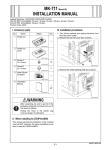
1. Turn off the machine and unplug the power cord
from the power outlet.
2. Remove protective tape and shipping materials
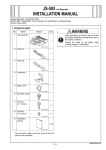
and take out accessory parts.
4037IXC142DC
4037IXC079DB
5. Set the SW2 on the FAX controller board to
“LINE-2.”
A02EIXC092DA
3. Mount the PCI expansion board (2nd) to the
shield box using the long driver (two screw A’s
furnished with the kit).
4037IXC572DB
6. Insert the FAX kit and tighten the two shoulder
screws.
Note:
When inserting the board, align it with the slits.
4037IXC078DB
4037IXC081DB
E-2