1
ArchiMED Suite ®
Page 133
Image management for Dental Cabinet and for Radiologists
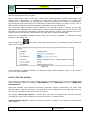
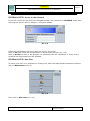
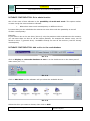
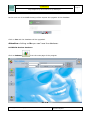
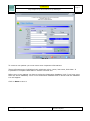
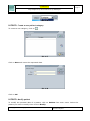
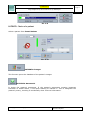
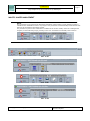
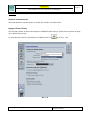
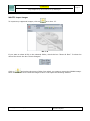
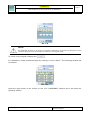
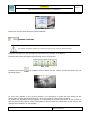
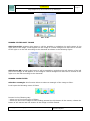
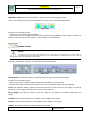
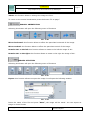
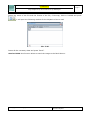
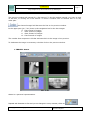
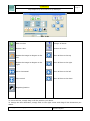
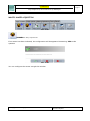
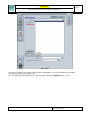
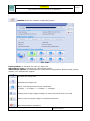
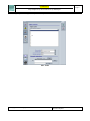
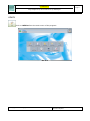
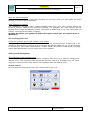
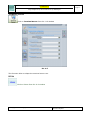
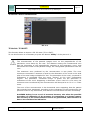
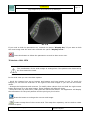
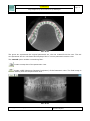
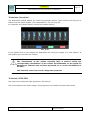
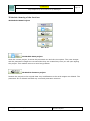
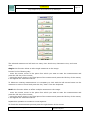
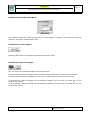
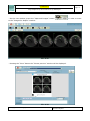
- On the new window, press the “Captured Images” button
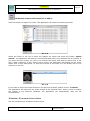
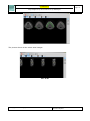
to the “Images for Report” window:
in order to enter
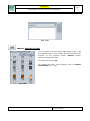
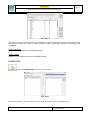
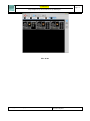
Pic. 9.31
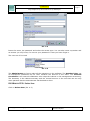
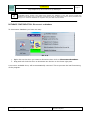
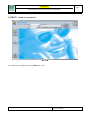
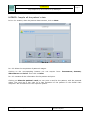
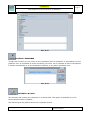
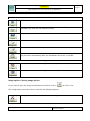
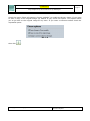
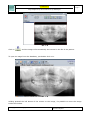
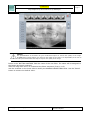
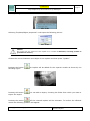
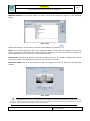
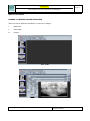
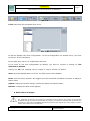
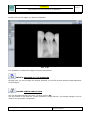
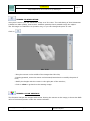
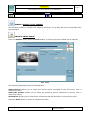
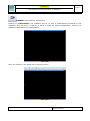
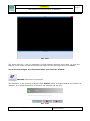
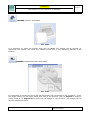
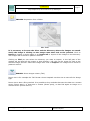
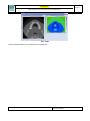
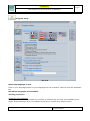
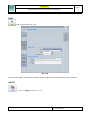
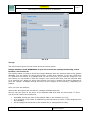
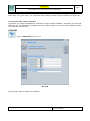
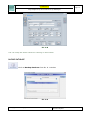
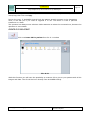
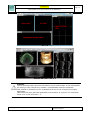
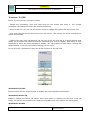
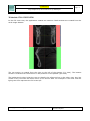
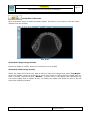
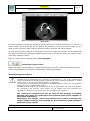
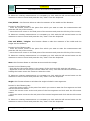
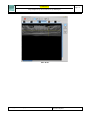
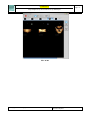
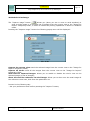
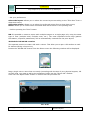
- Pressing the “Print” button the “Printer preview” window will be displayed.
Pic. 9.32
© Copyright DIGITAL imaging sas – Via Alfieri 12 A B – 10142 Nichelino (TO)
First edition: November 2006
Revision: May 2014