1
124
MDaemon Email Server 11.0
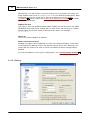
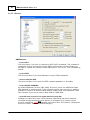
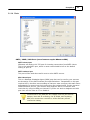
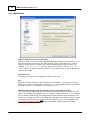
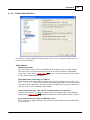
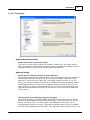
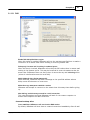
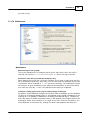
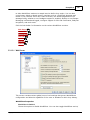
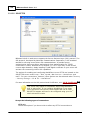
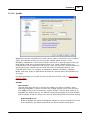
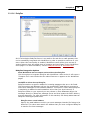
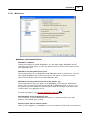
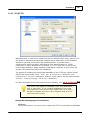
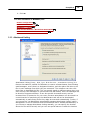
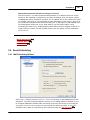
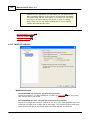
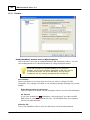
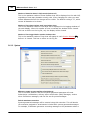
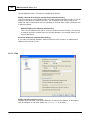
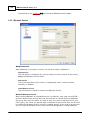
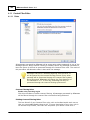
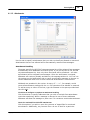
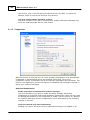
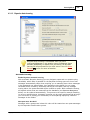
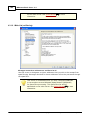
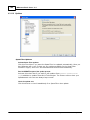
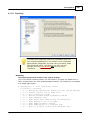
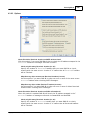
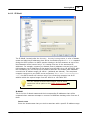
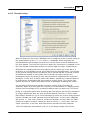
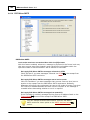
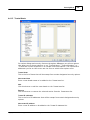
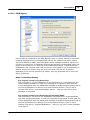
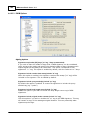
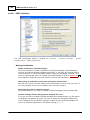
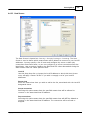
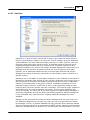
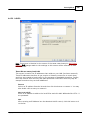
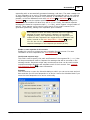
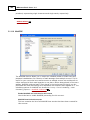
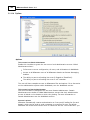
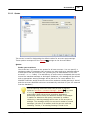
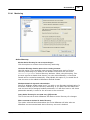
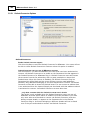
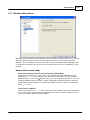
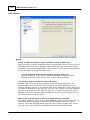
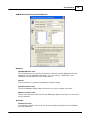
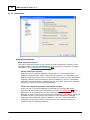
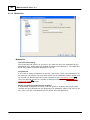
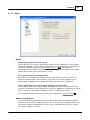
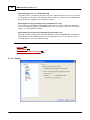
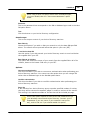
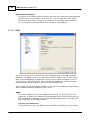
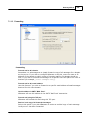
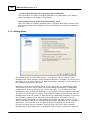
Enable Free/Busy services for users of this domain
Click this option if you wish to provide access to the Free/Busy server features to
users of the domain selected above.
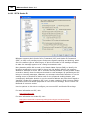
Free/Busy password
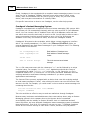
If you wish to require a password when this domain's users attempt to access the
Free/Busy server features via Outlook, then include the password here. This
password must be appended to the URL listed above (in the form: "
&password=FBServerPass") when the users configure their Free/Busy settings
within Outlook. For example:
http://example.com:3000/Worldclient.dll?view=fbinfo&user=%NAME%@%SERVER
%&password=MyFBServerPassword
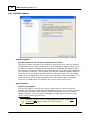
Allow users to query X months worth of Free/Busy data
Use this option to designate how many months worth of Free/Busy data your users
may query.
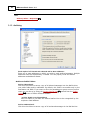
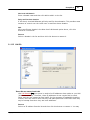
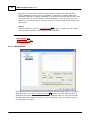
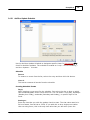
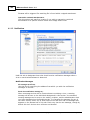
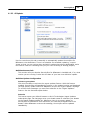
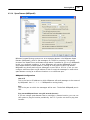
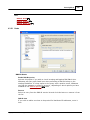
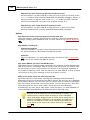
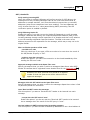
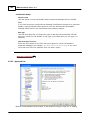
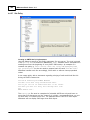
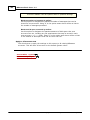
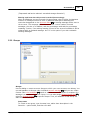
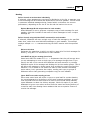
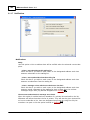
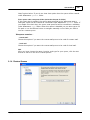
Meeting Options
Allow meetings to be created without specifying a location
Click this option if you do not wish to require users to specify a meeting location
whenever a meeting event is created. Clear the check box if you want to force all
meetings to have a location specified when they are scheduled. This is a global
setting; it cannot be set per domain.
Copyright © 1996-2010. All rights reserved. Alt-N Technologies, Ltd.