1
424
MDaemon Email Server 11.0
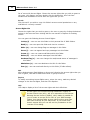
collect their messages without having to use POP3 or DomainPOP, because the
original SMTP envelope is preserved.
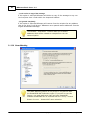
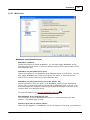
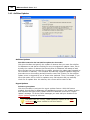
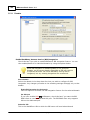
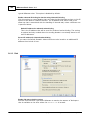
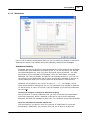
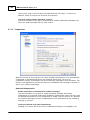
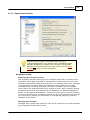
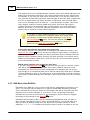
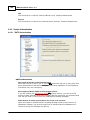
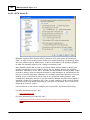
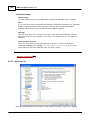
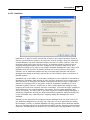
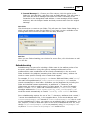
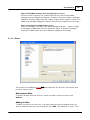
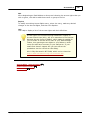
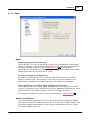
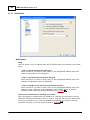
ATRN requires a session using the AUTH command. You can
configure the authentication credentials on the Options 426
screen.
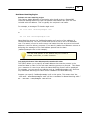
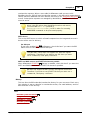
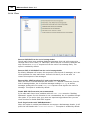
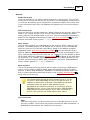
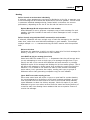
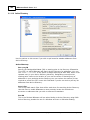
Allow only one ATRN session at a time
Click this check box if you wish to restrict ATRN to one session at a time.
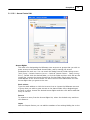
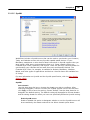
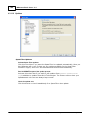
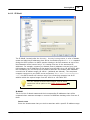
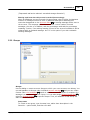
7.1.1.5 Account
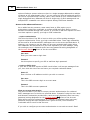
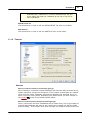
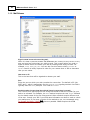
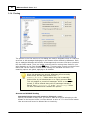
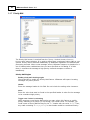
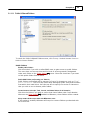
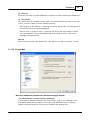
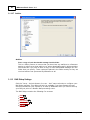
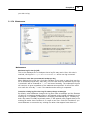
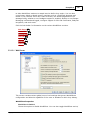
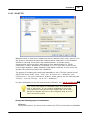
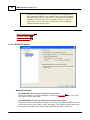
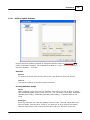
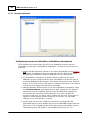
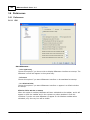
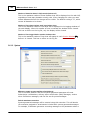
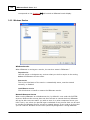
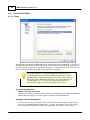
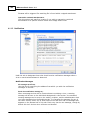
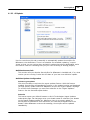
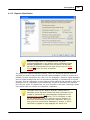
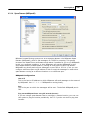
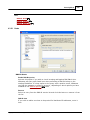
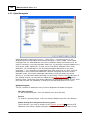
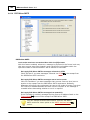
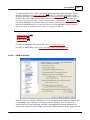
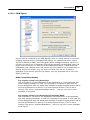
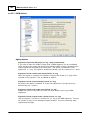
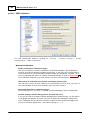
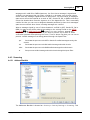
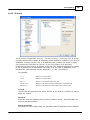
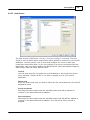
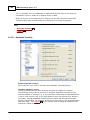
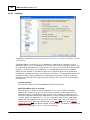
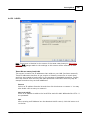
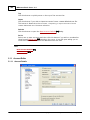
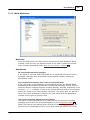
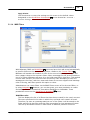
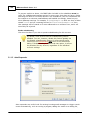
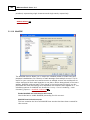
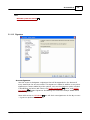
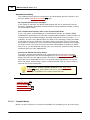
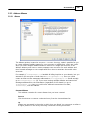
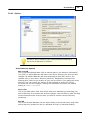
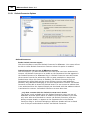
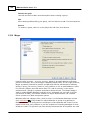
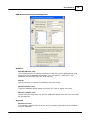
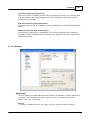
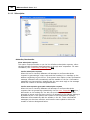
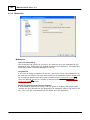
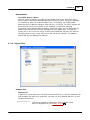
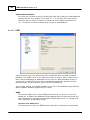
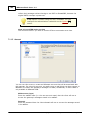
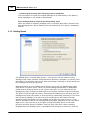
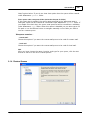
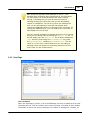
You can use this screen to create an MDaemon account that will be associated with
this gateway. By using this account, an email server or mail client can then connect to
MDaemon to collect the gateway's messages via IMAP, DomainPOP, or POP3. IMAP is
only available in MDaemon PRO.
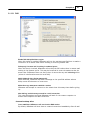
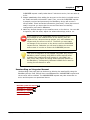
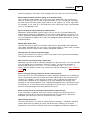
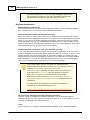
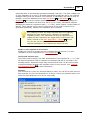
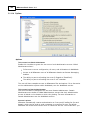
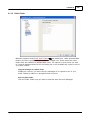
Mailbox name (logon)
Enter the mailbox name (i.e. the user account name) that the client will use to
access the gateway's messages stored in its mailbox.
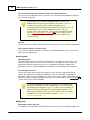
Password
Enter the password that the client's domain will use to access the messages stored
in its mailbox.
Copyright © 1996-2010. All rights reserved. Alt-N Technologies, Ltd.