1
32-Bit Assembler, Linker and Utilities User’s Guide
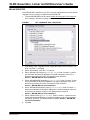
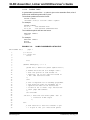
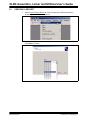
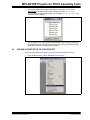
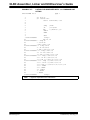
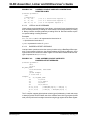
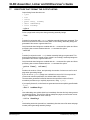
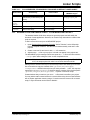
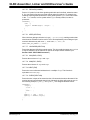
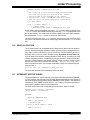
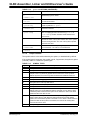
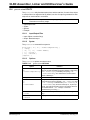
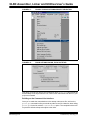
FIGURE A-1:
PROJECT>BUILD OPTIONS>PROJECT SELECTION
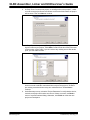
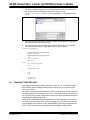
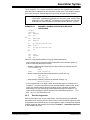
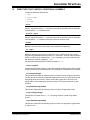
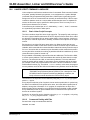
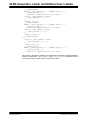
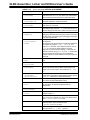
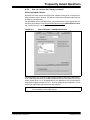
FIGURE A-2:
BUILD OPTIONS DIALOG, PIC32 SUITE TAB
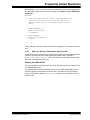
Now when you build your project, the compilation driver (pic32-gcc) will exclude the
default startup-code object from the link. It will use the customized code that is in your
project tree instead.
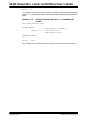
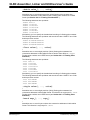
Building on the Command-Line Interface
Once you’ve made the customizations to the startup-code source file, add it to the
pic32-gcc command line like you would any other source file. However, when calling
pic32-gcc for the link, add the -nostartfiles option. The compilation driver will
not pass the default startup-code object to the linker.
DS51833A-page 164
© 2009 Microchip Technology Inc.