1
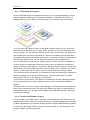
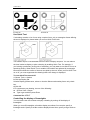
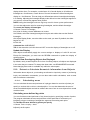
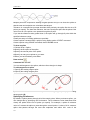
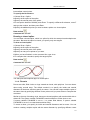
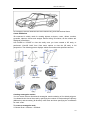
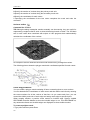
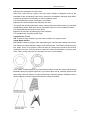
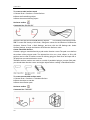
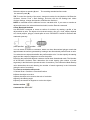
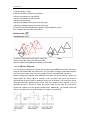
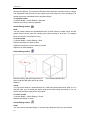
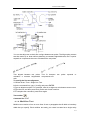
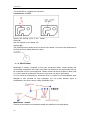
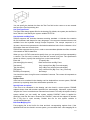
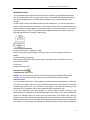
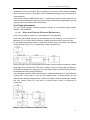
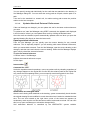
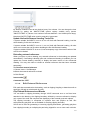
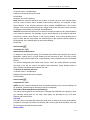
CHAPTER 15 15. Compile and Work with Customize applications LISP is an interpretive programming language, which provides simple mechanism for adding commands to ZWCAD. Although LISP varies in different platform, generally it‘s connected to ZWCAD through IPC (interprocess communication), as the following figure shows. Similar to LISP application, a SDS application accomplishes its function by means of uploading LISP and calling with series of external functions, and connects to LISP through IPC. 15.1. LISP LISP is a full-featured, interpretive programming language (full name List Processor, which is list processing language), It is a sort of independent programming language embedded for ZWCAD customization. LISP greatly extends most of the available commands and functions of ZWCAD. LISP is similar to AutoLISP so that you can use the majority of applications written with AutoLISP in ZWCAD. A LISP command stands for a function. Lisp function can perform the following actions : Load other LISP, DCL, SDS application or ZWCAD files Prompt user to do relevant operations in the certain situation. Execute standard command in ZWCAD Handle character string with arbitrary length Do mathematic calculation Store variable value used lately Read/write file Test and respond to the given condition. 350