1
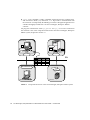
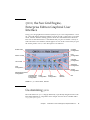
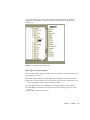
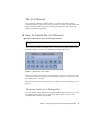
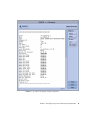
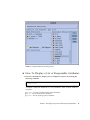
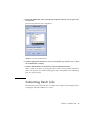
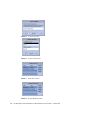
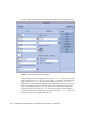
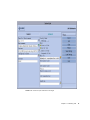
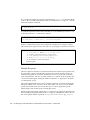
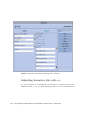
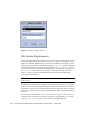
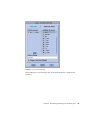
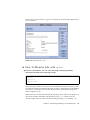
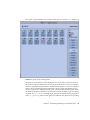
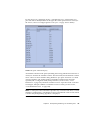
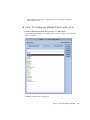
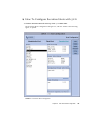
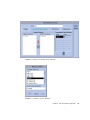
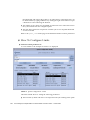
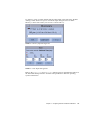
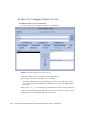
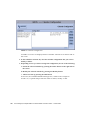
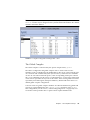
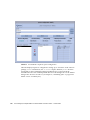
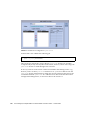
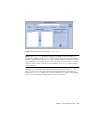
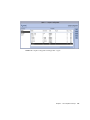
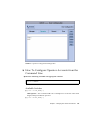
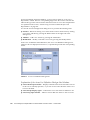
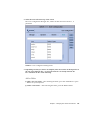
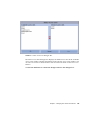
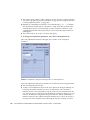
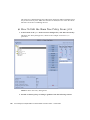
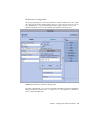
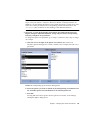
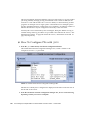
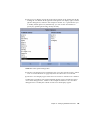
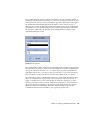
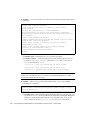
FIGURE 9-9
Select Access Lists Dialogue Box
The Select Access Lists dialogue box displays all defined access lists in the Available
Access Lists window and the attached lists in the Chosen Access Lists window. You
can select access lists in both windows and move between them via the arrow icon
buttons.
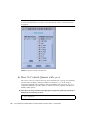
d. Click the OK button to commit the changes and close the dialogue box.
Chapter 9
Managing User Access and Policies
239