1
3
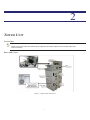
PRINTER BASICS
This chapter provides you with basic information on how to maintain and troubleshoot your printer.
GENERAL MAINTENANCE
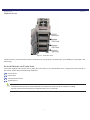
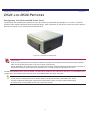
Part of the normal maintenance cycle for printers includes removing dust buildup from the printer vents. This is done to free
ventilation holes from dust and foreign matter and to improve printer longevity. The following instructions are written in a
generic fashion to include all printers for the systems:
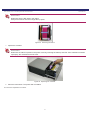
1. Power OFF the system at the main power source.
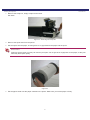
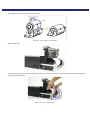
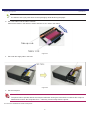
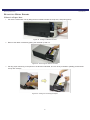
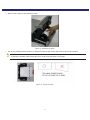
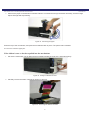
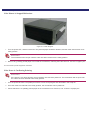
2. Using a small hand vacuum with a non-metallic extension and nozzle, vacuum all of the printers ventilation ports.
3. Vacuum the base of the system and external ventilation ports.
4. Power ON the system and remaining components.
You have now performed basic maintenance on the printer.
15