1
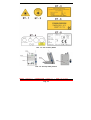
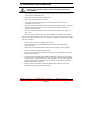
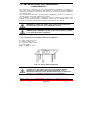
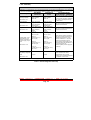
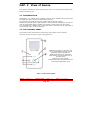
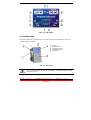
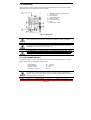
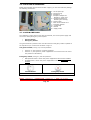
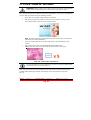
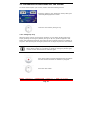
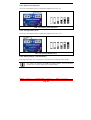
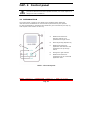
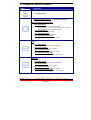
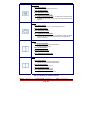
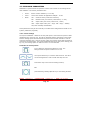
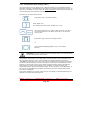
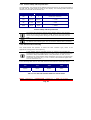
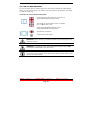
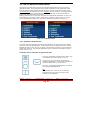
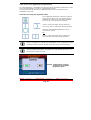
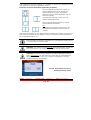
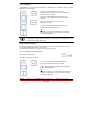
2.6 SUPPLIED ACCESSORIES Beside the footswitch and the stem for fiber support, you can find inside the package the following accessories: C - Set of optical tip D - Interlock plug E - Handpiece F - Handpiece adapter for bleaching – Wide area G - Handpiece adapter for bleaching and Therapy H - Power supply I - Laser device LA3D0 001.1 L – Protection glasses M – Tip Bending N – Manual O – Supply Cable 2.7 SYSTEM SWITCHES The LA3D0001.1 laser device is set with two switches, one for the power supply and one for the safety/Emergency of the system: General Switch Emergency Switch The general switch is placed on the rear side while the emergency button is placed on the top side at your convenience as shown in fig.2.4. The general switch, see fig 2.5, has two positions: Posizion “0”, the system is not power supplied; Posizion “1”, the system is power supplied but not connect to the net due to the presence of the battery. Emergency switch, see fig 2.5, has two positions: NOT pusched button: device with power supplied and all functions enabled. PUSHED button: device with power supplied BUT with and all functions disabled. General Switch Emergency Switch FIG. 2.4 System Switches Model LA3D0001.1 | Manual Code LI3D0001.2 Pag. 28 | Date 25-09-2009