1
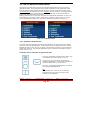
3.5 PROCEDURE FOR SWITCHING OFF THE SYSTEM
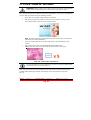
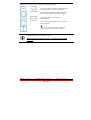
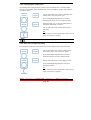
To switch off the system you will only need to take the following actions:
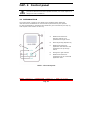
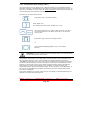
Brind the system to the “Sstand-by” state pushing the
“Stand By/Ready/Operate” button.
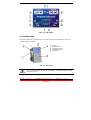
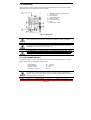
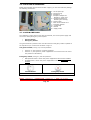
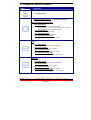
Press the main switch (see fig.2.4 f)
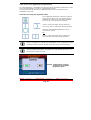
3.5.1 Emergency stop
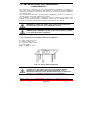
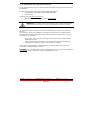
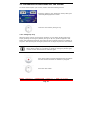
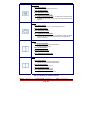
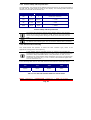
Whenever there may be an emergency situation you can switch off the machine by
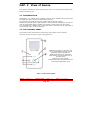
simply pressing the emergency button (see fig.2.1 A). Any pressure applied to this
button will instantaneously block the system and the eventual emission of radiation in
progress. After pressing the emergency button do not forget to press the main switch.
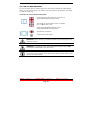
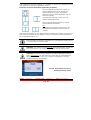
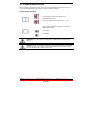
In case of emergency stop the laser get instantly blocked in all operations.
When danger ceased, it is necessary to press the emergency button again
in order to start and activate the machine again.
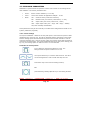
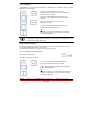
Push “stop” button to block instantaneously the system
and the eventual emission of radiation in progress.
Press the main switch.
Model
LA3D0001.1
| Manual Code
LI3D0001.2
Pag. 41
|
Date
25-09-2009