1
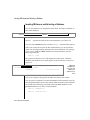
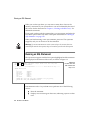
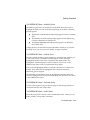
The ALTER FRAGMENT Menu: Round-robin Strategy
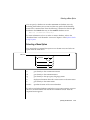
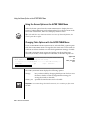
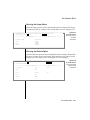
The SELECT ATTACHING TABLE Menu
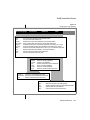
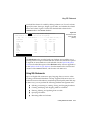
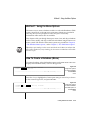
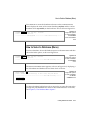
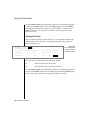
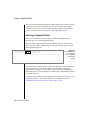
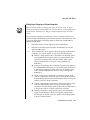
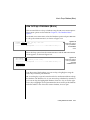
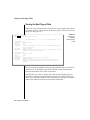
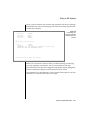
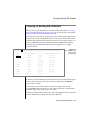
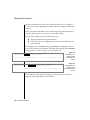
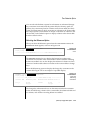
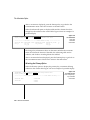
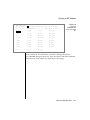
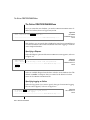
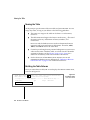
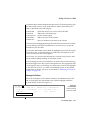
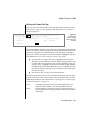
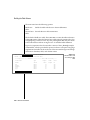
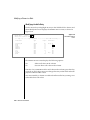
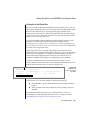
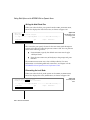
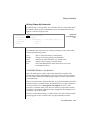
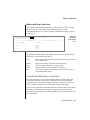
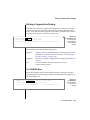
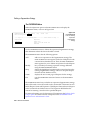
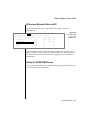
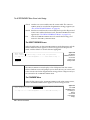
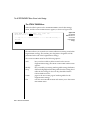
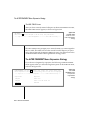
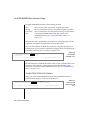
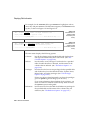
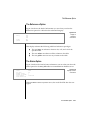
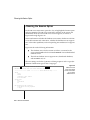
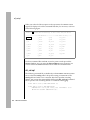
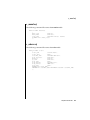
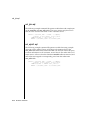
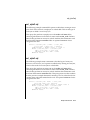
Select the Add option on the ATTACH TABLES menu for a round-robin
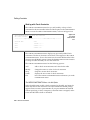
fragmentation strategy. The SELECT ATTACHING TABLE menu appears, as
shown in Figure 5-60.
SELECT ATTACHING TABLE >>
Select a table with the Arrow Keys, or enter the name, then press Return.
----- Page 1 of 1 ----- newstores@mydbserv ---------- Press CTRL-W for Help ---acct
Figure 5-60
The SELECT
ATTACHING TABLE
menu for roundrobin fragmentation
cur_acct
myacct
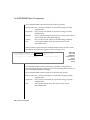
The SELECT ATTACHING TABLE menu displays a list of available tables and
prompts you to select one from which the records will be attached to the
current table. A new fragment is added to the strategy as a result of attaching
a table. Highlight or type in the table name you want and press RETURN.
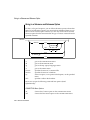
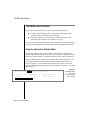
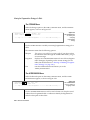
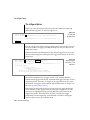
The DETACH DBSPACE Menu
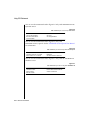
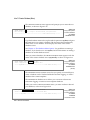
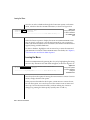
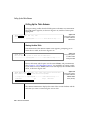
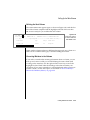
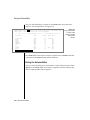
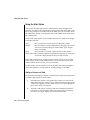
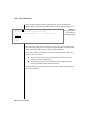
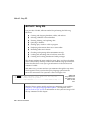
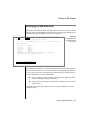
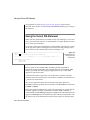
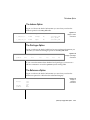
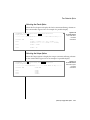
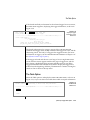
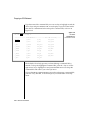
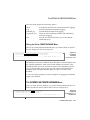
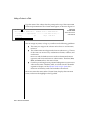
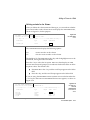
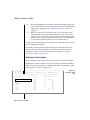
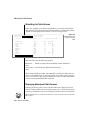
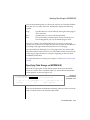
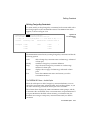
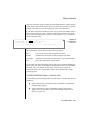
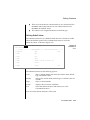
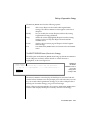
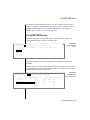
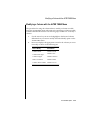
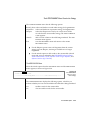
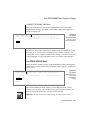
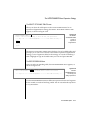
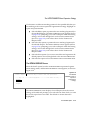
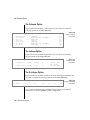
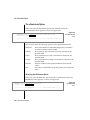
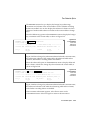
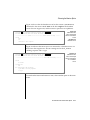
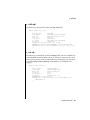
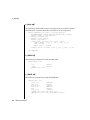
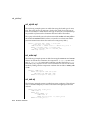
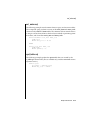
Select the detaCh option from the ALTER FRAGMENT round-robin fragmentation strategy menu, and the DETACH DBSPACE menu appears, as shown in
Figure 5-61.
DETACH DBSPACE >>
Select a dbspace with the Arrow Keys, or enter a name, then press Return.
----- Page 1 of 1 ----- newstores@mydbserv ---------- Press CTRL-W for Help ---dbspace1
dbspace2
Figure 5-61
The DETACH
DBSPACE menu for
round-robin
fragmentation
strategy
dbspace3
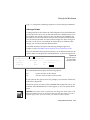
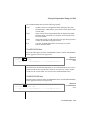
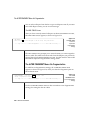
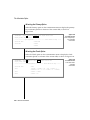
The DETACH DBSPACE menu displays a list of dbspaces in the current
strategy. You can select one from the list or type in a dbspace name. If you
enter an invalid dbspace name, you get an error message.
Important: You can detach only one table during an ALTER TABLE session.
The Table Menu Option 5-71