1
5
Viewing Customer Networks
Using the Network Topology View
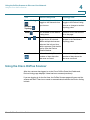
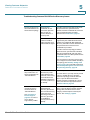
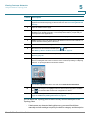
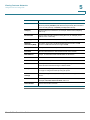
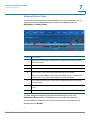
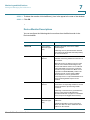
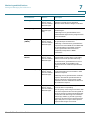
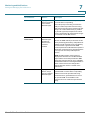
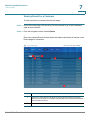
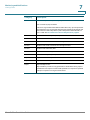
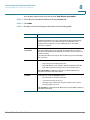
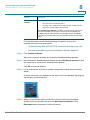
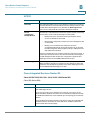
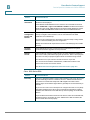
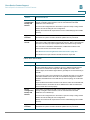
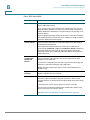
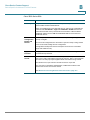
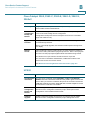
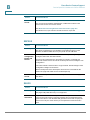
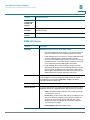
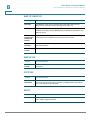
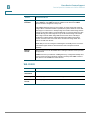
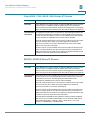
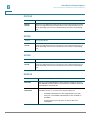
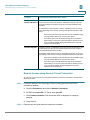
Search Option
Description
Search Criteria
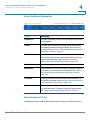
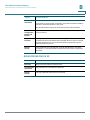
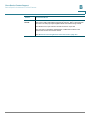
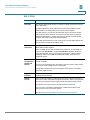
Specify one or more of the following criteria:
•
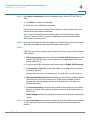
Text in device names and descriptions. The search is not casesensitive.
•
Device class.
•
Device category.
•
Icon. Photo icons images are not searched. Only icons for devices
that are actually in this customer’s inventory are listed.
•
IP addresses or MAC addresses containing the specified
characters.
•
Serial number, if obtained during discovery.
•
Devices with serial numbers containing the specified characters.
•
Devices with one or more monitors configured.
•
Devices without any monitors configured.
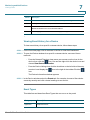
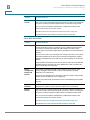
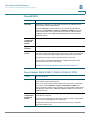
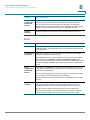
VLAN Discovery
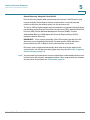
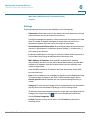
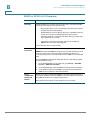
Cisco OnPlus Portal provides VLAN discovery, giving users connectivity across
multiple VLANs. VLAN Discovery is established by connecting the ON100
Network Agent to a trunk port, providing connectivity and device discovery
across multiple VLANs.
For more information about Cisco OnPlus VLAN discovery and configuration
examples, see Cisco OnPlus VLAN Discovery application note, available on the
Cisco OnPlus Support Community at the following URL:
https://supportforums.cisco.com/docs/DOC-17447.
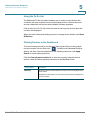
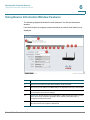
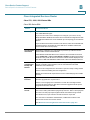
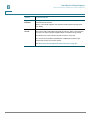
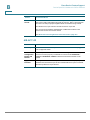
Using the Network Topology View
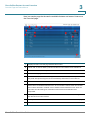
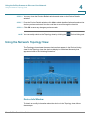
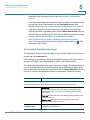
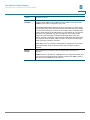
To display the Topology view from the main Overview page, click a customer in the
list. By default, the Network Topology view appears, but you can change the
default Dashboard view (mouse over the Customize link and choose General
Settings > Default View).
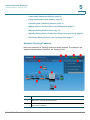
To learn more, read these sections:
•
Network Topology Features, page 66
Cisco OnPlus Portal User Guide
65