1
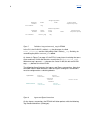
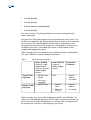
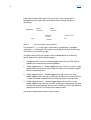
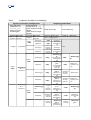
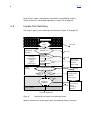
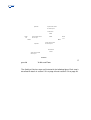
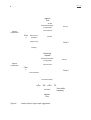
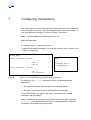
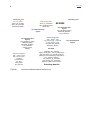
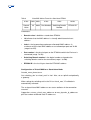
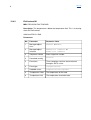
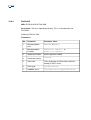
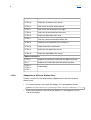
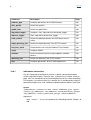
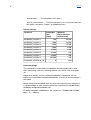
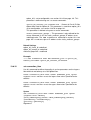
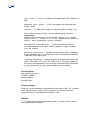
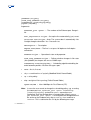
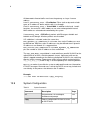
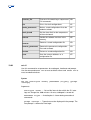
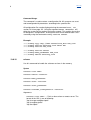
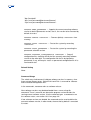
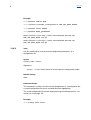
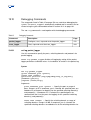
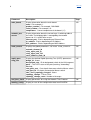
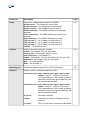
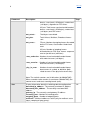
IndexIndex description Optional text. filter_profile Specifies filter conditions. flow_selector Assigns specific pbit or DSCP values to specific flows. ip_destination Specifies which IP addresses the Endusers can use as IP destination address. tags, second_tags Specification of allowed VLAN IDs for incoming packets. The option ‘untagged’ is also available. egress followed by a subset of the following: Attribute Description bandwidth_limitation Specifies bandwidth limitation at egress. broadcast_allowed Specifies whether broadcast packets are forwarded. description Optional text. first_ethertype, second_ethertype The ethertype used on the outgoing frame. It can be transparent, thus using the value from the received VLAN tag, or it can be set to a predefined value. flow_selector Assigns specific pbit or DSCP values to specific flows. p_tag, second_p_tag Specifies the priority bits in the VLAN Tags to be set for outgoing packets. The options ‘transparent’ and ‘untagged’ are also available. tag, second_tag Specifies the VLAN IDs to be set for outgoing packets. The options ‘transparent’ and ‘untagged’ are also available. The resource objects and commands involved in configuring connections are summarized in Figure 28 on page 59.