1
User's Guide
[database] are added to Favorites.
SEARCH FOR CASES AND DOCUMENTS
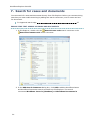
1. Double-click the WorkZone Cases or the WorkZone Documents search connector
depending on what you want to search for.
2. Enter a search term the Search field and press ENTER. The search result is listed
below.
Note: The search results displays maximum 1000 hits. The most recent cases and
documents are shown in the search result.
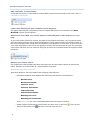
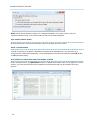
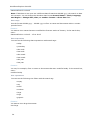
Example of a document search result:
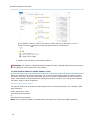
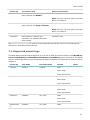
Example of a case search result:
21