1
PicoLog User Guide
77
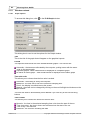
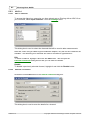
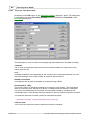
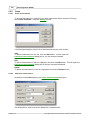
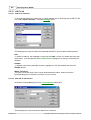
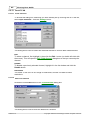
Range
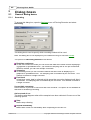
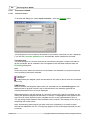
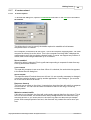
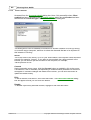
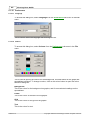
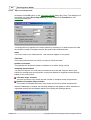
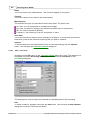
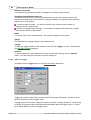
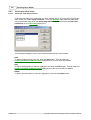
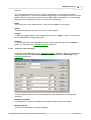
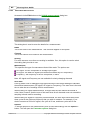
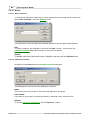
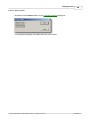
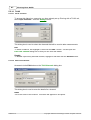
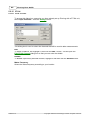
This specifies the voltage range for the measurement. Set to 'Off' if the channel is not
required.
The 'Auto' option simply sets the voltage range to its widest setting, and leaves it there for
the duration of the recording.
Name
This is the name of the measurement. This name will appear on all reports.
AC/DC
This specifies whether the input is to be AC or DC coupled.
Options...
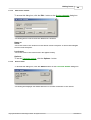
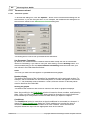
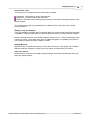
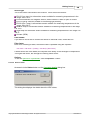
To set the options for the measurement (such as units and scaling) click the Options...
button. This will open the Parameter options dialog box.
5.2.7.5
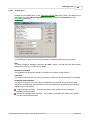
PicoScope 3000 Trigger
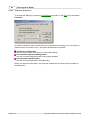
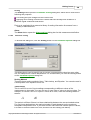
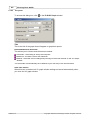
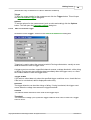
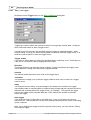
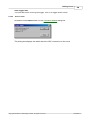
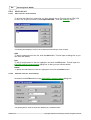
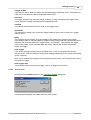
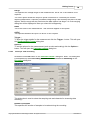
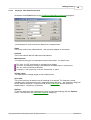
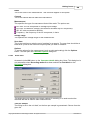
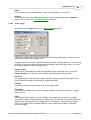
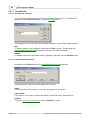
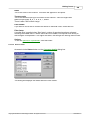
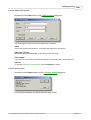
Accessed via the Trigger... button on the PicoScope3000 Block-Mode dialog box.
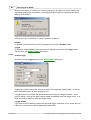
Triggering is used to select the moment at which PicoLog starts collecting data - usually
at some fixed time before or after a trigger event.
A trigger event occurs when a specified channel crosses a voltage threshold - either rising
or falling. PicoLog can start collecting data immediately after the trigger event, or a fixed
time interval before or after the trigger event.
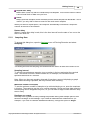
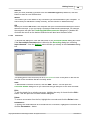
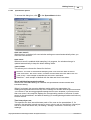
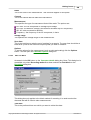
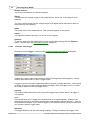
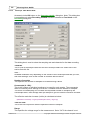
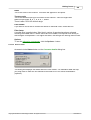
Channel
This selects which channel is to be used as the trigger input. Select 'None' if a trigger is
not required.
Note: PicoLog will allow you to trigger on a channel that is not capturing data. However, the
channel will need to be activated, and therefore other settings may be affected ... such as
the available timebases. If you need to trigger on an inactive channel, we recommend that
you use the External Trigger Input.
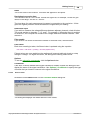
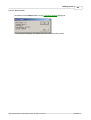
Direction
The trigger direction can be either rising or falling. If rising is selected, the trigger event
occurs when the voltage rises across the trigger threshold.
PLW044-1.5
Copyright 2005 Pico Technology Limited. All rights reserved.