1
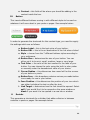
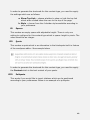
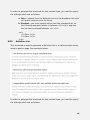
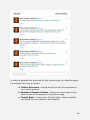
In order to generate the shortcode for this content type, you need to supply
the settings which are as follows:
IV.
a. Image Tag – this tag is <img src=”yourimage.jpg” />. Replace
yourimage.jpg with the actual image url. The easiest way to do
this is upload your image using the Add Media button and copy
the image url without inserting the image on the page or post
editor.
b. Frame Align – this determines the image alignment.
c. Style – 3 different frame styles you can choose from to apply to
your image.
Tabs
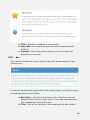
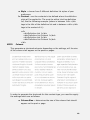
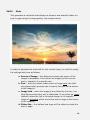
This will insert a styled tab to any post or page. Below is an example of an
inserted tab shortcode:
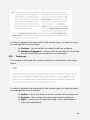
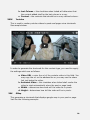
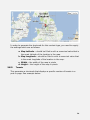
In order to generate the shortcode for this content type, you need to supply
the settings which are as follows:
a. Style – choose from 6 different tab styles according to your
preference.
b. Content - For the contents of the tabs you must specify within
html tag definition list, like the following example (where in
between <dt></dt> tags is the title of the tab menu and in
between <dd></dd> tags is the content of the tab) :
<dl>
<dt>Tab Menu 1</dt>
<dd>Tab Content 1</dd>
<dt>Tab Menu 2</dt>
<dd>Tab Content 2</dd>
</dl>
7