1
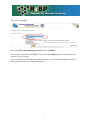
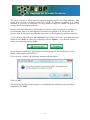
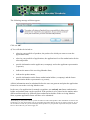
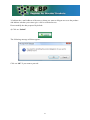
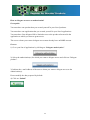
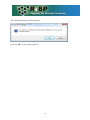
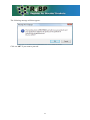
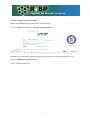
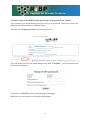
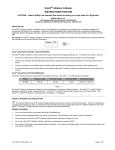
The following message will then appear:
Click on “OK”
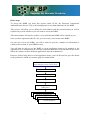
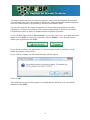
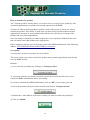
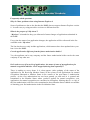
4) You will then be invited to:
•
select in your portfolio of products, the product for which you want to create the
application form2;
•
select in your portfolio of applications, the applications for a first authorisation for the
selected product
•
provide information on the applicant (a company) and on the applicant representative
(a person);
•
indicate the name of the receiving Member State;
•
indicate the product name;
•
provide information on the future authorisation holder (a company) and the future
authorisation holder representative (a person);
All this information must be submitted before the user can generate and print the application
form to be sent to the receiving Member state.
In the case of an application for mutual recognition, one and only one future authorisation
holder and product name can be specified. If the product is to be placed on the market under
different names and/or by different future authorisation holders in the receiving Member
State, separate application forms will have to be submitted.
2
When doing so, the system will ask you for the reference code of the product. This information is however not
essential as it is only used to filter your list of products and select directly the one you want to apply for. If you
do not indicate a code, the system will display all the products in your portfolio of products and you will then
have to choose the one you want to apply for.
15