1
Basics steps
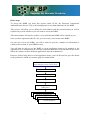
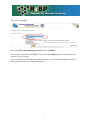
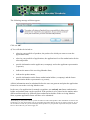
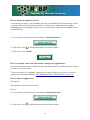
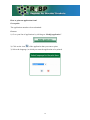
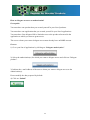
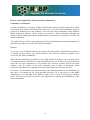
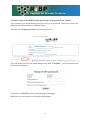
To access the R4BP you must first register under ECAS, the European Commission
Authentification Service. This is the starting point for any data submission to the R4BP.
This process will allow you to define the email address and the password that you will be
requested to provide whenever you will want to access the R4BP.
This email address will also be used for every email that the R4BP will be sending to you.
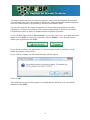
Once you have registered under ECAS, you can create your account in the R4BP.
On your first visit to the R4BP, you will be asked to provide a number of information to
complete the creation of your R4BP account.
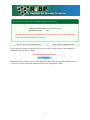
You will then be able to use the R4BP to create application forms to be attached to the
applications to be submitted to the relevant competent authorities of the Member States and to
follow the statuses of these different applications after their submission.
However, before being able to create application forms, you will first need to give the details
of the product for which you want to apply for authorisation.
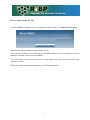
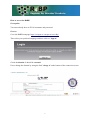
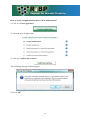
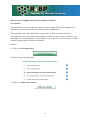
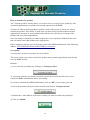
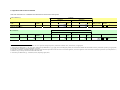
Go to R4BP homepage
https://webgate.ec.europa.eu/env/r4bp/
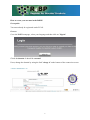
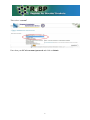
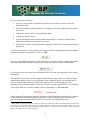
Register under ECAS
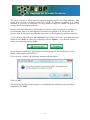
Create my R4BP account
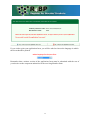
Create my product
Create my application for a first
authorisation
Create my application for
mutualmy
recognition
Create
application for
mutualmy
recognition
Create
application for
mutual
recognition
Create my application for
mutualmy
recognition
Create
application for
mutual recognition
3