1
Fixed output mode
In this mode, the channel output remains in the selected state (Low or High), regardless of the input.
The panel LED for the channel will glow green when the output is low or red when the output is
high.
To try fixed output mode:
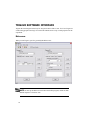
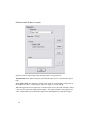
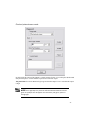
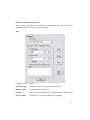
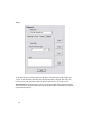
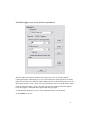
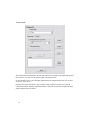
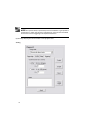
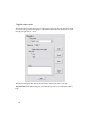
On the “Properties” tab of Channel A, choose “Fixed Output.” Choose “Low” or “High” as the
output state, then click “Apply” to save the settings. At Output A, the signal will remain a steady
TTL logic low or high, depending on your selection.
21