1
Collateral Management Web –
User Guide
1.3. U SER R OLES
IN
2012
CMS W EB
There are two kinds of user roles defined in the Collateral
Management Web:
-
User – an ordinary user of the CMS Web
Administrator – an authorized person at the member that is
allowed to administrate user accounts for the member
In CMS Web each user will be connected to a Member organization.
The organizational connection determines the users access rights in
CMS Web, i.e. accounts, transactions etc.
1.3.1. U S ER
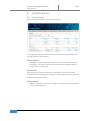
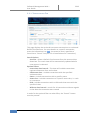
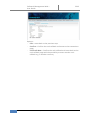
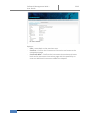
An ordinary user will have access to the following functionality
-
Collateral – View information about placed cash and instrument
collateral on Default Fund Accounts
Transactions – Search for transactions, create cash callback and
create instrument instructions per Default Fund Account
Instruments – View instrument information
Settlement instructions – View cash and instrument standing
settlement instructions (SSI) per Default Fund Account
Accounts – view information about Default Fund Accounts
connected to the users Member organization.
Password – Change of user password
1.3.2. A D MI N I ST R AT O R
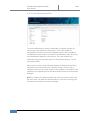
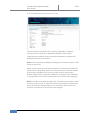
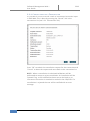
The administrator role has the same access as an ordinary user with
the following extensions:
-
4
Users - Possibility to administer users (create, update and delete)
for a Member organization
NASDAQ OMX Stockholm AB