1
Collateral Management Web –
User Guide
2012
2.2. T RANSACTIONS
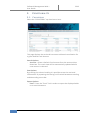
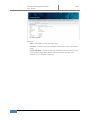
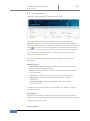
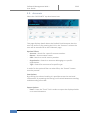
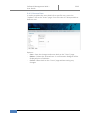
Select the “TRANSACTIONS” top level menu item. This will display a
page with three different tabs:
-
-
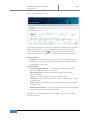
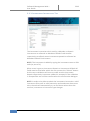
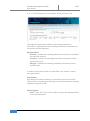
Transactions – Display transactions related to a selected Default
Fund Account (this tab is selected by default).
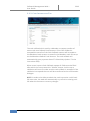
Cash instruction – Input a cash callback instruction for transfer of
excess cash from Members Default Fund Account to Members
bank account according to Members Cash SSI
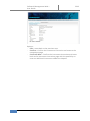
Instrument instruction – Has the following options:
o Input an instrument deposit instruction to place
instrument collateral on Members Default Fund
o Input an instrument callback instruction for transfer of
excess instrument holding from Members Default Fund
Account to CSD/ICSD according to Members Instrument SSI
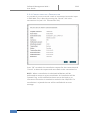
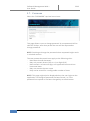
TIP: When moving the mouse over the “TRANSACTIONS” option a
submenu containing direct links to the three different tabs will be
displayed.
6
NASDAQ OMX Stockholm AB