1
GT-100 USER MANUAL
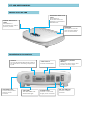
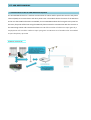
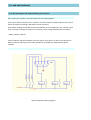
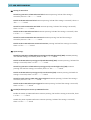
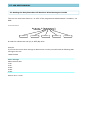
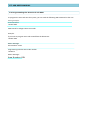
Sketch of the GT-100
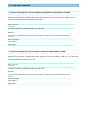
NETWORK INDICATOR
(LED)
The indicator is
illuminated when the
terminal is connected to
GSM Network
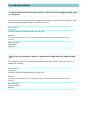
POWER INDICATOR
(RED)
The indicator is
illuminated when mains
power is present
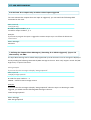
ANTENNA
The antenna must be
well connected before
turn on the terminal
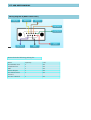
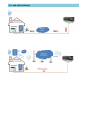
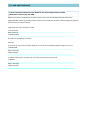
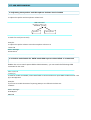
Installation & Connections
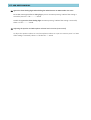
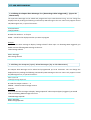
OUTPUT
Connect the RS232 DB9 female cable to
the terminal for controlling outputs and
inputs
ANTENNA PORT
Connect the provided
antenna to the
Terminal
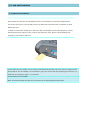
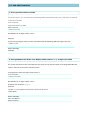
SIM CARD
The card holder is of
"Push-Push" type
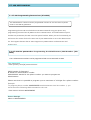
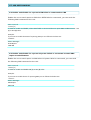
PSTN PORT 2
Connect to PSTN Line
POWER PORT
Connect a 12V Power
Supply to the Terminal
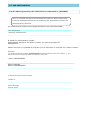
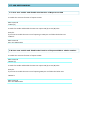
GSM PORT 1 (ALARM
INPUT)
Connect to Alarm Panel / also
function as Phone Input
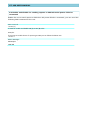
ON/OFF SWITCH
Turn On or Off the
Terminal