1
172
APPENDIX B. EXAMPLE: FAULT-TOLERANT MULTIPROCESSOR SYSTEM
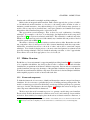
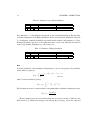
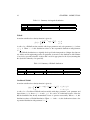
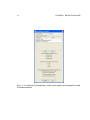
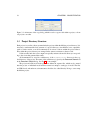
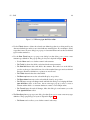
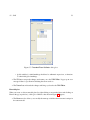
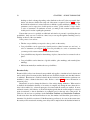
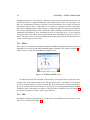
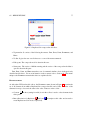
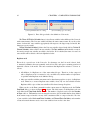
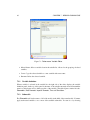
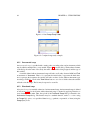
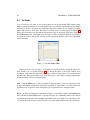
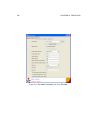
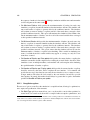
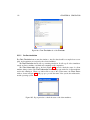
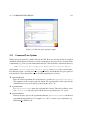
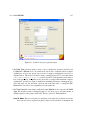
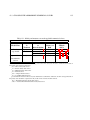
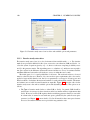
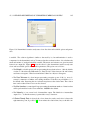
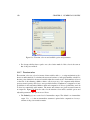
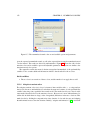
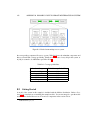
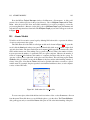
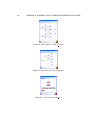
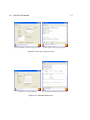
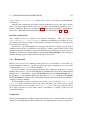
Figure B.8: Rate reward tab.
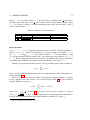
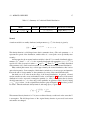
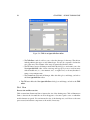
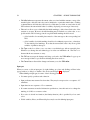
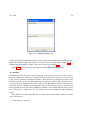
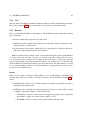
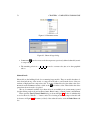
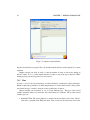
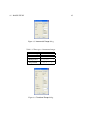
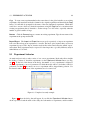
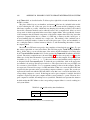
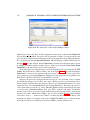
do so, simply define values for the global parameters of the model. To begin, click on the Study
tab in the Project panel. There is a pre-defined study, vary num comp, for this example. Open
vary num comp for revision either by double-clicking on it or by choosing it and clicking on
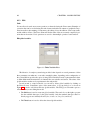
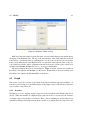
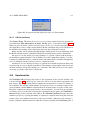
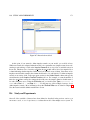
the Open button on the Project panel. This will bring up the Study Editor, in which the global
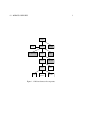
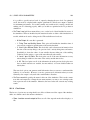
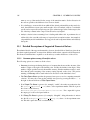
parameters for the model are defined, as shown in Figure B.10.
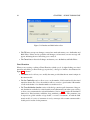
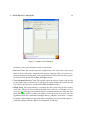
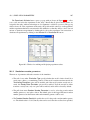
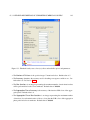
To modify the parameters that have numerical values in the column Variable Value in Figure B.10, click directly on the values. For the other parameters that have labels, such as Incremental Range, Functional Range, Manual Range, or Random Range, you can modify the values
by selecting the variable and then clicking on the corresponding button at the bottom of the editor
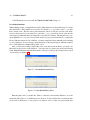
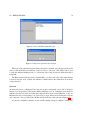
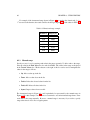
window. For instance, the variable num comp has an incremental range from 1 to 3 with increments
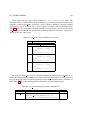
of 1. You can change its values by selecting it and then clicking on the Incremental Range button.
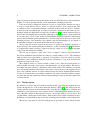
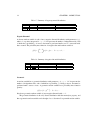
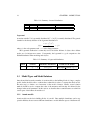
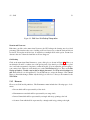
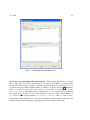
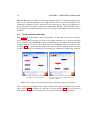
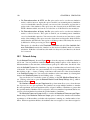
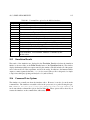
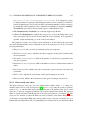
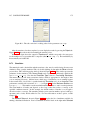
This brings up the editor window as shown in Figure B.11. As shown in the figure, the variable
ranges from 1 to 3 with additive increments of 1. You can reveal all the values in the range by
pressing the button View Values.
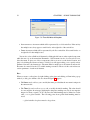
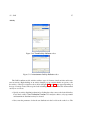
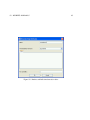
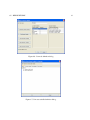
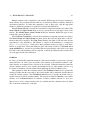
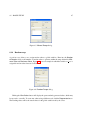
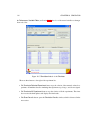
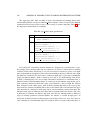
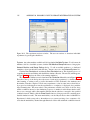
From the parameter values, three experiments have been created. The experiments differ in the
values for the parameter num comp. You can individually activate or deactivate the experiments
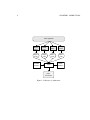
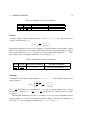
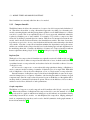
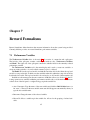
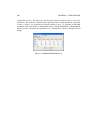
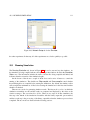
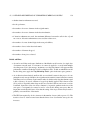
by pressing the button Experiment Activator. Pressing this button brings up a window similar
to the one shown in Figure B.12. Note the checkboxes in the row Active. Active experiments
are indicated by the check marks. Deactivate experiments by clicking on these checkboxes to