1
IP Camera User Manual v2.0
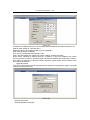
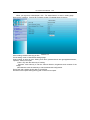
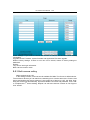
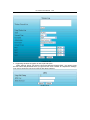
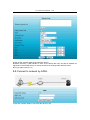
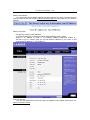
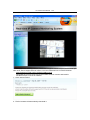
Enter in the router setting page which your device connected, enable wireless
network and set wireless network ID(SSID), CHANNEL, Encryption, Authentication; then
login the device as the administrator, enter in the wireless LAN setting page, fill in each
options( make sure same with the setting in router). Unplug the network cable, wireless
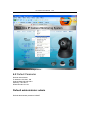
enabled. For example: followed 2.14a
Picture 2.14a
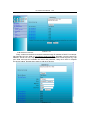
2、Search wireless network automatically
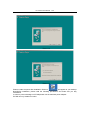
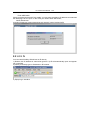
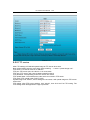
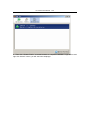
Click “Scan”, IPCAM search wireless network automatically, available wireless network
information would be scanned out and make a list. The wireless network information will
appeared in below input box after you selected the wireless network. Input the password and
submit. Please refer to picture 2.14b.