1
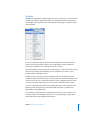
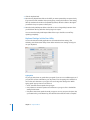
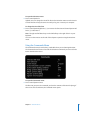
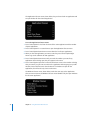
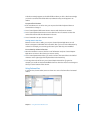
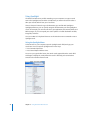
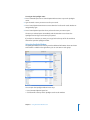
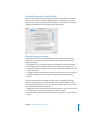
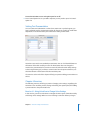
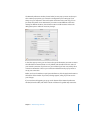
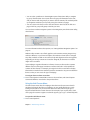
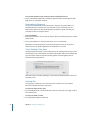
The Network preferences window, shown below, has two pop-up menus at the top. In
the Location pop-up menu, you choose the configuration you’re setting up. If you
always use your computer in the same location and connect the same way, you can
just leave the location set to Automatic. If you want to create different connection
settings for different locations, choose New Location or Edit Locations and use the
dialog that opens to make the necessary changes.
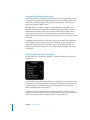
In the Show pop-up menu, you can choose the type of information you want to view in
the table below it. Network Status is on by default, and the table shows the status of
your network connection if you have one, your modem if you have one, and any other
connection information. Choose your connection method from the pop-up menu to
set up your connection.
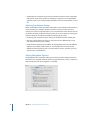
Before you close the window or quit System Preferences, click the Apply Now button at
the bottom of the window. If you don’t, a dialog appears, asking if you want to save
your changes.
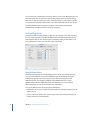
If you need more help getting set up, go to the bottom of the Network preferences
window, below the table, and click the “Assist me” button for guided setup assistance.
Chapter 7 Web Browsing and Email
65