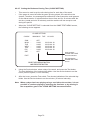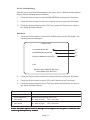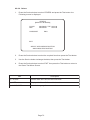
1
7-21
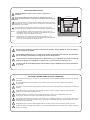
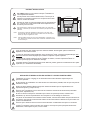
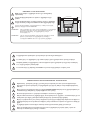
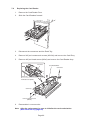
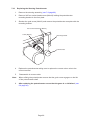
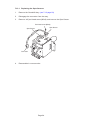
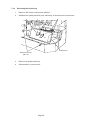
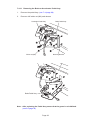
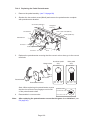
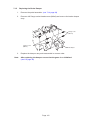
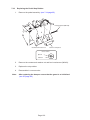
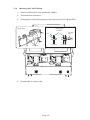
Removing the Sound PC Boards
1.
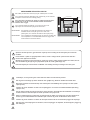
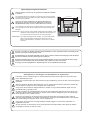
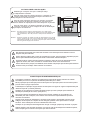
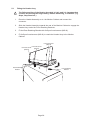
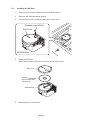
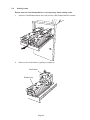
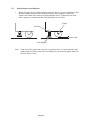
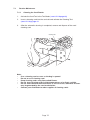
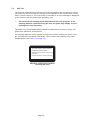
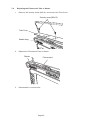
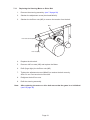
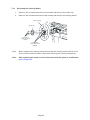
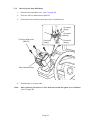
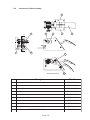
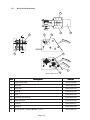
Remove the back door from the Monitor Cabinet.
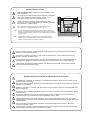
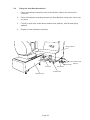
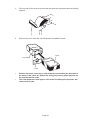
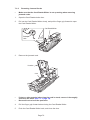
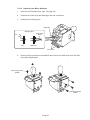
Locking support
PC Board
Long-nose
pliers
Click
<To attach>
<To detach>
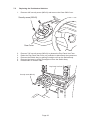
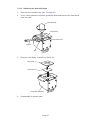
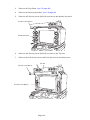
IS Amp PC Board
Bass Amp PC Board
2.
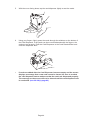
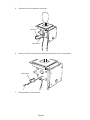
Disconnect the connectors.
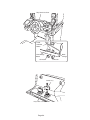
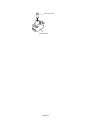
3.
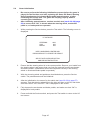
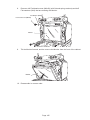
Disengage the 4off locking supports, and remove the FCA PC Board.
4.
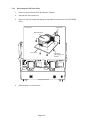
Reassemble in reverse order.
Page 109