1
B R O W S I N G
T H E
M E T A D A T A
I N
S A F Y R
3.37
Expanding a Subject Area with related Parent or Child
tables
The sections above have dealt with populating a Subject Area by finding tables and adding those tables to the
Subject Area. The Subject Area itself can also be used to ‘expand’ the tables in the Subject Area by finding the
related Parent and/or Child tables.
This feature uses the tables already in the Subject Area as ‘seed tables’. The user can then choose options that
will generate a list of tables related to each table in the Subject Area to a user-specified level of Parent and/or
Child tables. This generated list can then be reviewed and the tables either added to the starting Subject Area,
or added to a separate Subject Area.
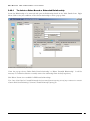
The expansion process is started by choosing the Subject Area containing the ‘seed’ tables and then clicking
the
icon on the Subject Area tool bar.
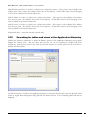
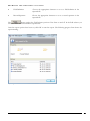
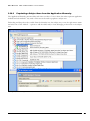
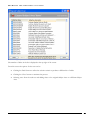
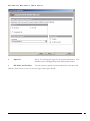
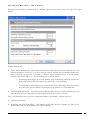
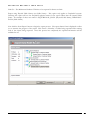
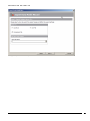
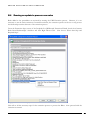
This will display a screen for selecting the levels of related tables to be included.
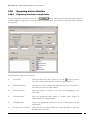
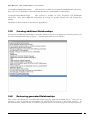
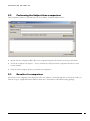
Specifying levels of tables to be included in a Subject Area expansion
USER GUIDE
60