1
E X P O R T I N G
M E T A D A T A
F R O M
S A F Y R
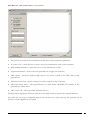
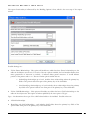
Limit To: - The Maximum Number of Entities to be exported. 0 denotes no limit.
Export using Physical Table Names (not Table Name): - This option only applies to PeopleSoft systems.
Checking this option will use the PeopleSoft physical name for the export rather than the internal Table
Name. An example of these two names is PS_PERSONAL_DATA (Physical Table Name), PERSONALDATA (Table Name).
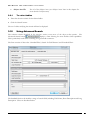
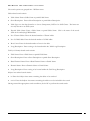
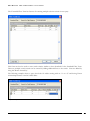
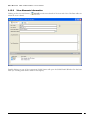
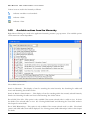
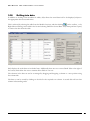
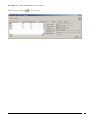
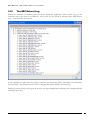
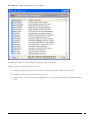
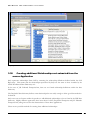
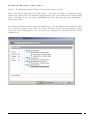
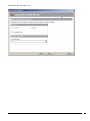
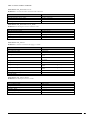
Now click the ‘Start Export’ button to begin the export process. The export Status form is displayed to allow
you to monitor the progress of the export. This shows a ‘hierarchy’ of tables being exported and a running
total of the objects being exported. Once this process has completed, the exported information will be
available for use.
Export Wizard – Export Status
USER GUIDE
69