1
2305 c200 User Guide 3.9br
Extra features:
Charging
23/10/2001
5:14 pm
Page 26
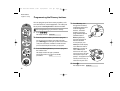
Programming new coins or tokens
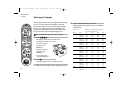
You can program your payphone to recognise and
accept new coins or tokens. For example, if you want
the payphone to accept tokens from a games
machine, you can decide how much they will be
worth and the payphone will accept them. The
instructions below will ask you to insert eight of the
new coins or tokens. It is better to use eight different
ones rather than the same one eight times, so that
the payphone recognises the slight differences in the
coins or tokens.
Start
programming
If the new coin or token is too similar to an existing
coin, the payphone will not be able to accept it.
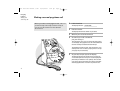
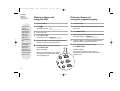
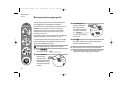
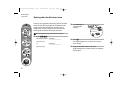
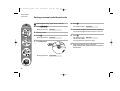
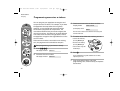
Start programming, if you haven’t already
1
2
6
H
26
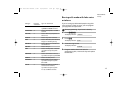
The display will show
token a £0.00
If the display shows
error
the new coin or token is too similar to an existing coin
and can’t be used.
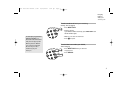
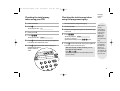
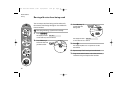
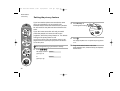
5 To set the value of the coin or token, you can
– increase the value by
pressing Memory 3
– decrease the value by
pressing Memory 4
– enter a value using the
3
token a 1
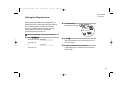
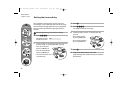
3 Insert the first coin or token
3
display shows
number keys.
2 Press S86H
The display will show
4 Continue to insert coins or tokens until the
token a 2
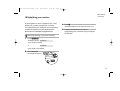
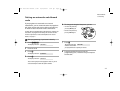
6 Press H
If you would like to program another coin or token,
repeat steps 3 to 6.
7 Program another feature or lock the
programming lock, remove the key and replace
the handset.