1
See Also:
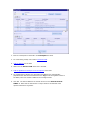
SWIFT External Format UI
Saving a SWIFT Message Format
Saving a SWIFT Message Format
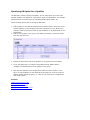
A SWIFT message format once fully entered in Designer can be saved so that it is
available for creating other formats depending on it.
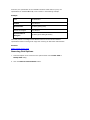
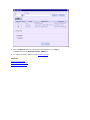
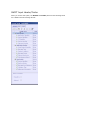
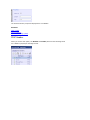
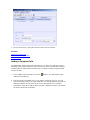
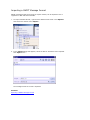
1. To save a SWIFT format, right-click the SWIFT format node in the Explorer and
choose the context menu Save SWIFT Message Format.
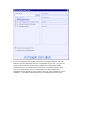
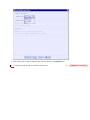
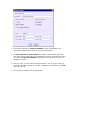
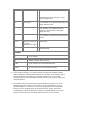
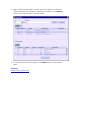
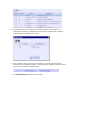
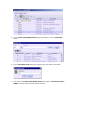
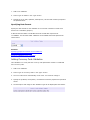
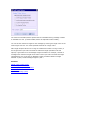
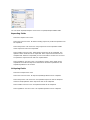
2. The Save SWIFT Message Format dialog appears. Enter the Format Name,
Detailed Name, Category and Description of the format. The category
entered can be an existing one, or a new category. Click OK.