1
10.1.5. Editing a divert profile
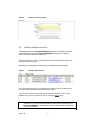
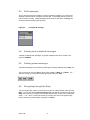
Users may edit the contents (e.g. the communication devices and recipients) of a divert
profile by selecting the edit option of the corresponding divert profile they would like to
amend. This will open the distribution list held against the divert. Simply add, amend or
remove the required communication devices like you would a broadcast group.
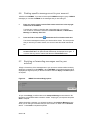
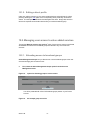
10.2. Managing user access to value added services
Through the ‘Manage access to my services’ option, Parent account owners can allocate
value added services such as broadcast groups and diverts to any one of their user
accounts.
10.2.1. Allocating access to broadcast groups
Online Management Groups lets you allocate one or more broadcast groups to the user
accounts belonging to the Parent account.
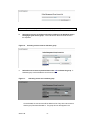
a.
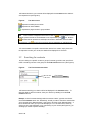
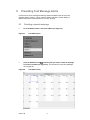
First, select the Online Management Groups option from the Account
Management screen.
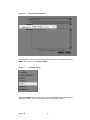
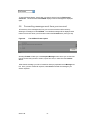
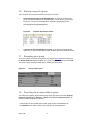
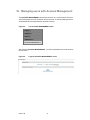
Figure 74:
Option for allocating groups to user accounts
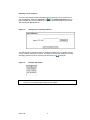
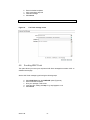
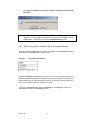
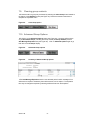
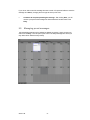
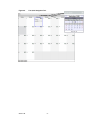
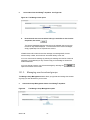
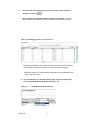
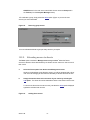
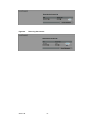
You will be presented with a list of all broadcast groups present on your Parent
account.
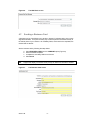
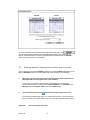
Figure 75:
Version 1.06
An example group access list
- 53 -