1
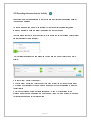
3.9. Reporting on an ‘Activity’
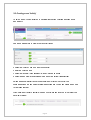
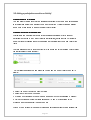
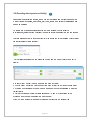
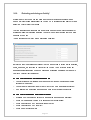
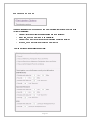
To view a range of detailed reports about an Activity, go to Participation>Review
Activities and use the filters available to find the Activity you require:
1.
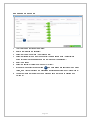
Click on the 'Report' button to create the report for that Activity;
I
I
I
I
I
SV
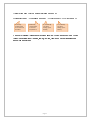
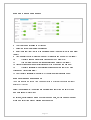
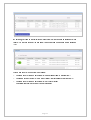
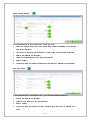
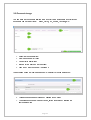
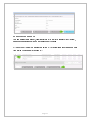
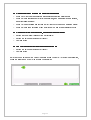
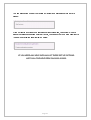
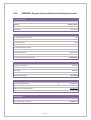
2. Choose one (or all) of the sections of the report to see a detailed summary of the
records;
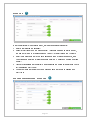
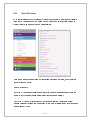
3. Or click one of the buttons to print or export all the detail relating to ALL of the sections
together;
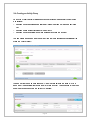
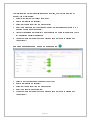
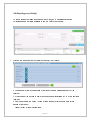
4. Use the buttons at the bottom to view a trend graph or print/export to data in this
section of the report;
repeat for any of the other sections.
Page 20