1
Width
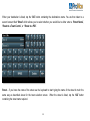
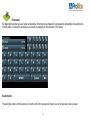
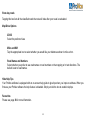
Tap the button to enter the width of your vehicle. Enter your width using the keyboard and tap the „GO‟ button with
the width of your vehicle displayed on it.
Explosive / Flammable Load
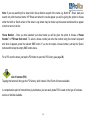
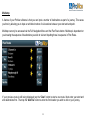
Tap the button and select „Yes‟, if you are carrying explosive or flammable goods to avoid any legal restrictions that
apply to this type of hazardous material. Select „No‟, if you are carrying any other type of goods.
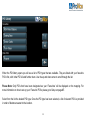
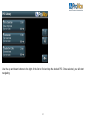
Once you have completed the ProNav setup, tap the return button in the bottom right hand corner of the screen to
complete navigation setup.
IMPORTANT: You will be shown the ProNav setup screen each and every time you start the software.
Please check carefully that the details displayed in the ProNav setup screen match that of the vehicle you
are driving. Any failure to do so could mean that an incorrect route is determined for your vehicle.
21