1
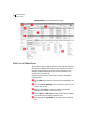
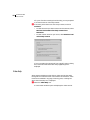
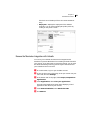
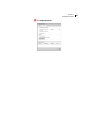
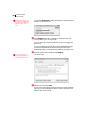
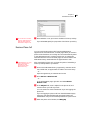
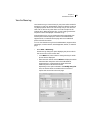
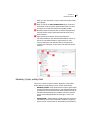
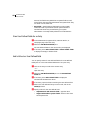
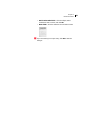
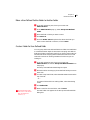
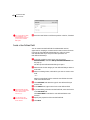
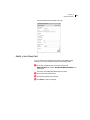
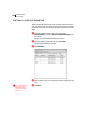
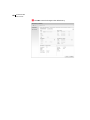
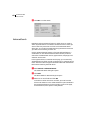
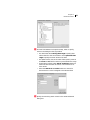
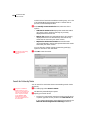
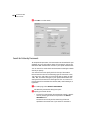
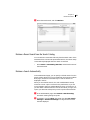
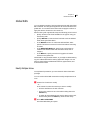
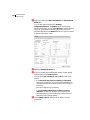
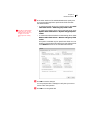
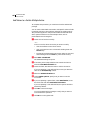
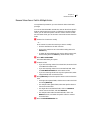
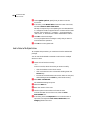
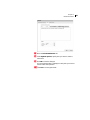
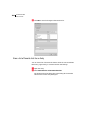
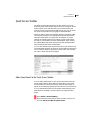
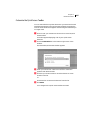
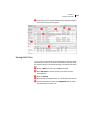
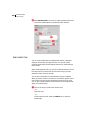
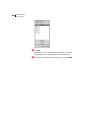
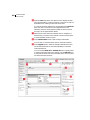
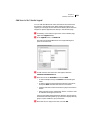
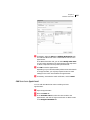
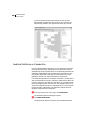
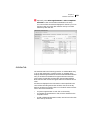
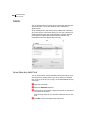
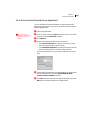
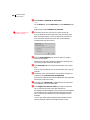
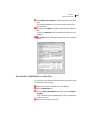
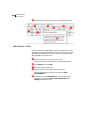
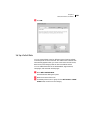
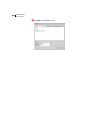
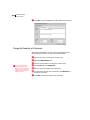
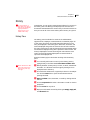
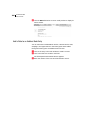
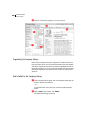
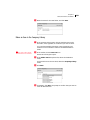
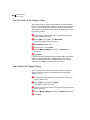
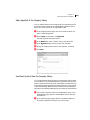
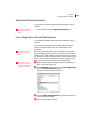
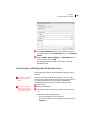
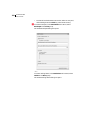
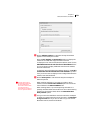
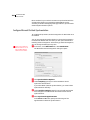
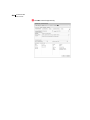
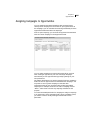
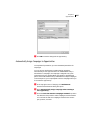
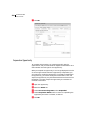
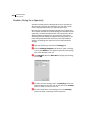
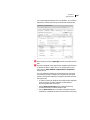
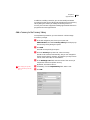
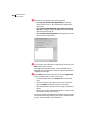
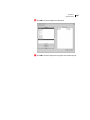
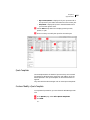
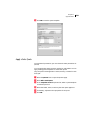
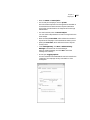
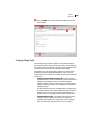
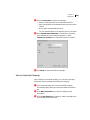
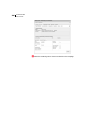
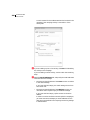
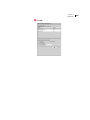
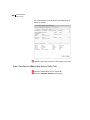
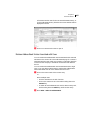
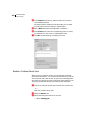
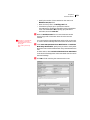
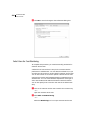
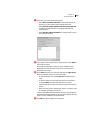
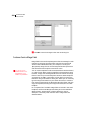
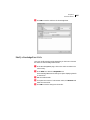
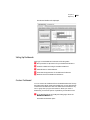
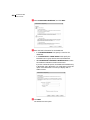
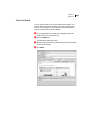
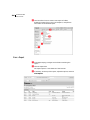
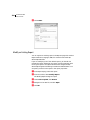
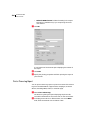
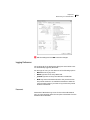
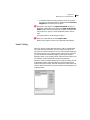
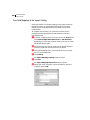
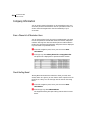
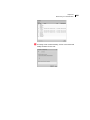
316 Maximizer CRM User’s Guide • Maintain HTML format includes formatting in the report. This option is available only if you are printing the entire note content. Click OK A new instance of the browser opens displaying the content of the report. Click Print. Specify the printing properties and finish printing the report in your browser. Print a Phone Log Report You can print a Phone Log report to print the contents of the Phone Log from the Address Book, Opportunities, Campaigns, Customer Service, Knowledge Base, Hotlist, or Calendar page. Select View > Phone Log. The Phone Log dialog box opens displaying the phone calls recorded in Maximizer for the current user on the current date. To display phone calls for a different date, next to the Date field, select the Calendar icon and select a date.