1
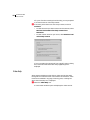
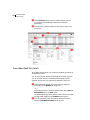
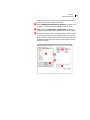
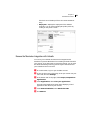
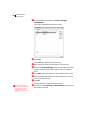
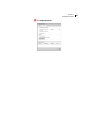
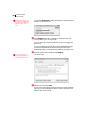
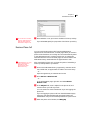
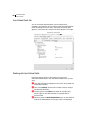
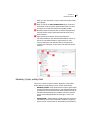
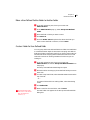
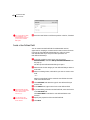
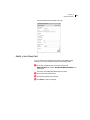
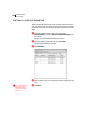
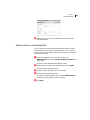
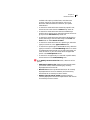
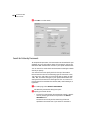
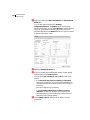
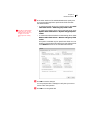
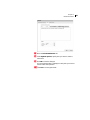
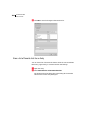
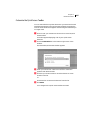
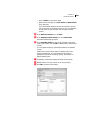
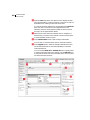
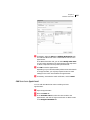
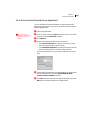
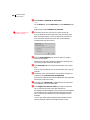
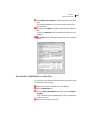
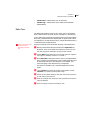
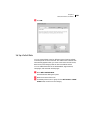
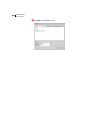
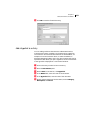
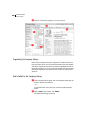
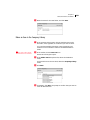
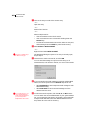
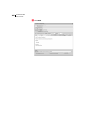
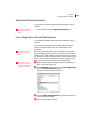
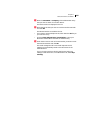
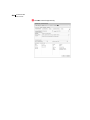
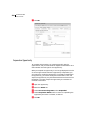
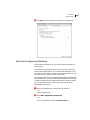
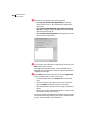
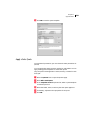
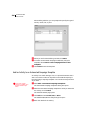
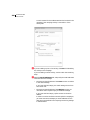
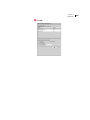
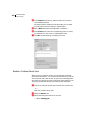
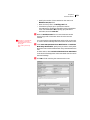
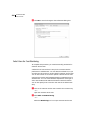
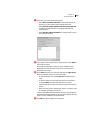
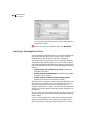
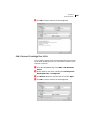
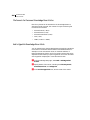
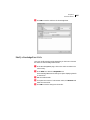
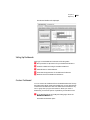
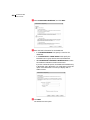
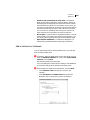
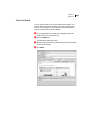
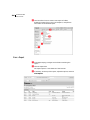
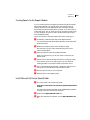
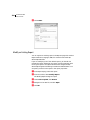
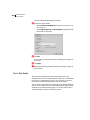
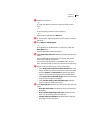
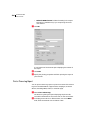
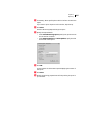
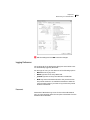
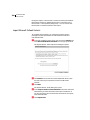
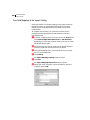
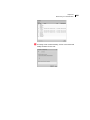
48 Maximizer CRM User’s Guide The Message, No Answer, and Busy options are available only if you have phone call logging preferences set to create notes. If you select Answered, the Phone dialog box opens timing the duration of the phone call. In the Subject field, enter a subject for the phone call, and record notes on your call as you talk. You can continue to work in Maximizer as you are logging the phone call. If you are logging the phone call from the Address Book page, changes to user-defined fields and some basic fields in the Address Book entry are automatically added to the phone note. When the phone call is finished, click Hang Up. You can click Transfer and select another Maximizer user to log the transfer in the note. The timer stops. Edit the note, and click Save. If your phone call logging preferences are set to show results on hang-up, you are prompted to select a result of the phone call. Select a value for the result.