1
Touchscreen Navigation
Your phone’s touchscreen lets you control actions through a variety of touch gestures.
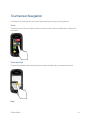
Touch
Touch the screen with your finger to select or launch a menu, option, or application. A light touch works best.
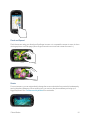
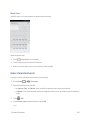
Touch and Hold
To open the available options for an item (for example, a keyboard), touch and hold the item.
Drag
Phone Basics
14