1
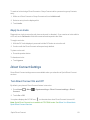
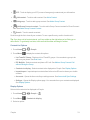
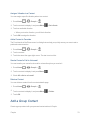
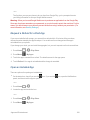
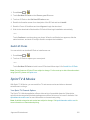
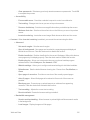
 l Voice to display a prompt that will require you to respond anytime you attempt to access voice service while roaming internationally.
l Data to display a prompt that will require you to respond anytime you attempt to access data service while roaming internationally.
l Outgoing SMS to display a prompt that will require you to respond anytime you attempt to send a text message while roaming internationally.
Make and Receive Worldwide Calls
When traveling on international networks, you can place and answer calls as you would on the Sprint network (see Make Phone Calls and Receive Phone Calls), although some additional instructions may be required to place a call. Some features and services are not available in all countries. For more information on services that are available while roaming, visit sprint.com/sww.
Make Calls Using Plus (+) Code Dialing
Placing calls from one country to another country is simple with the Plus (+) Code Dialing feature. When placing international calls, you can use Plus Code Dialing to enter the appropriate international access code for your location (for example, 011 for international calls placed from the United States).
Note: International access codes and dialing information are available online at sprint.com/sww.
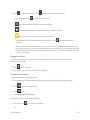
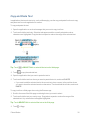
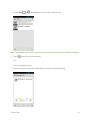
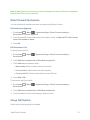
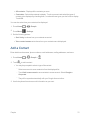
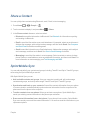
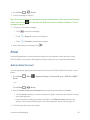
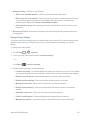
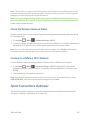
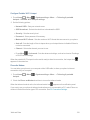
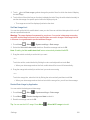
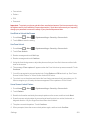
To use Plus Code Dialing to place an international call from outside the United States or Canada: 1. Press Home
> 2. Press Menu
> Settings.
> to display the phone screen.
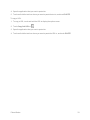
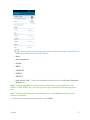
3. Clear the North American dialing check box.
4. Touch International dialing.
5. Delete the previous value.
6. Enter a new value and touch OK.
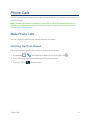
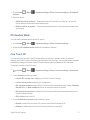
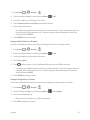
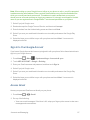
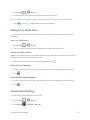
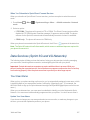
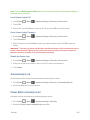
To use Plus Code Dialing to place an international call from the United States or Canada: 1. Press Home
> 2. Press Menu
> Settings.
> to display the phone screen.
3. Check the North American dialing check box.
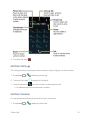
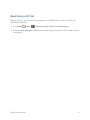
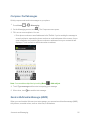
To place an international call: Sprint Worldwide Wireless Service
180